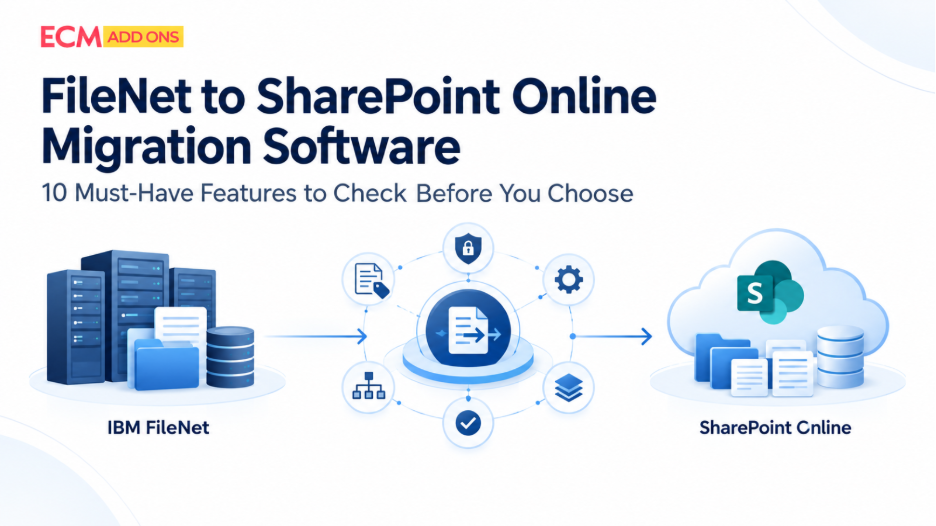
A FileNet to SharePoint migration is often treated as a technology project.
But some of the biggest migration risks exist before the first document is moved.
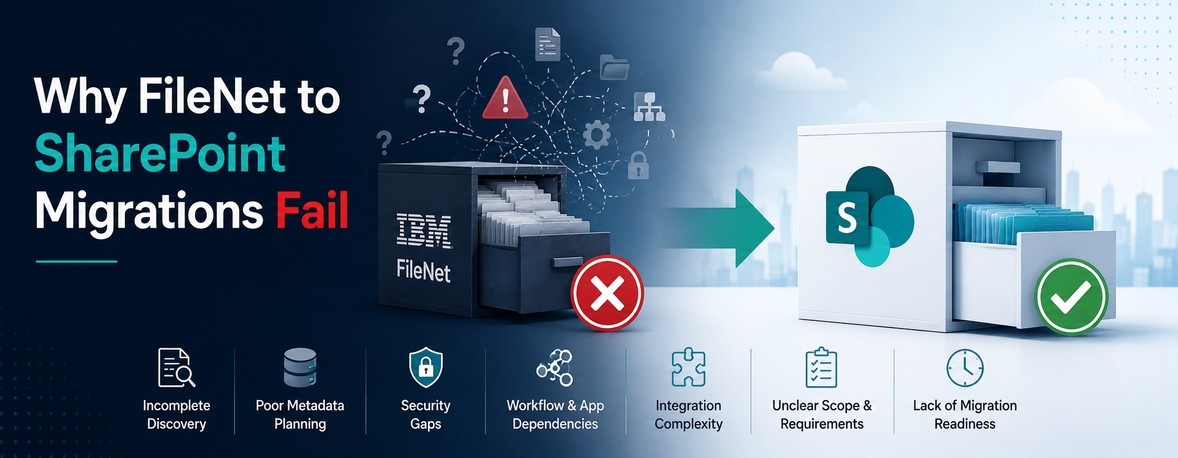
Organizations may know how many documents are stored in FileNet. What they may not know is how those documents are structured, what they depend on, who can access them, how they are used by business applications, or what should actually move to SharePoint.
That gap between what you know about your FileNet environment and what you need to know before migration can become one of the biggest sources of migration risk.
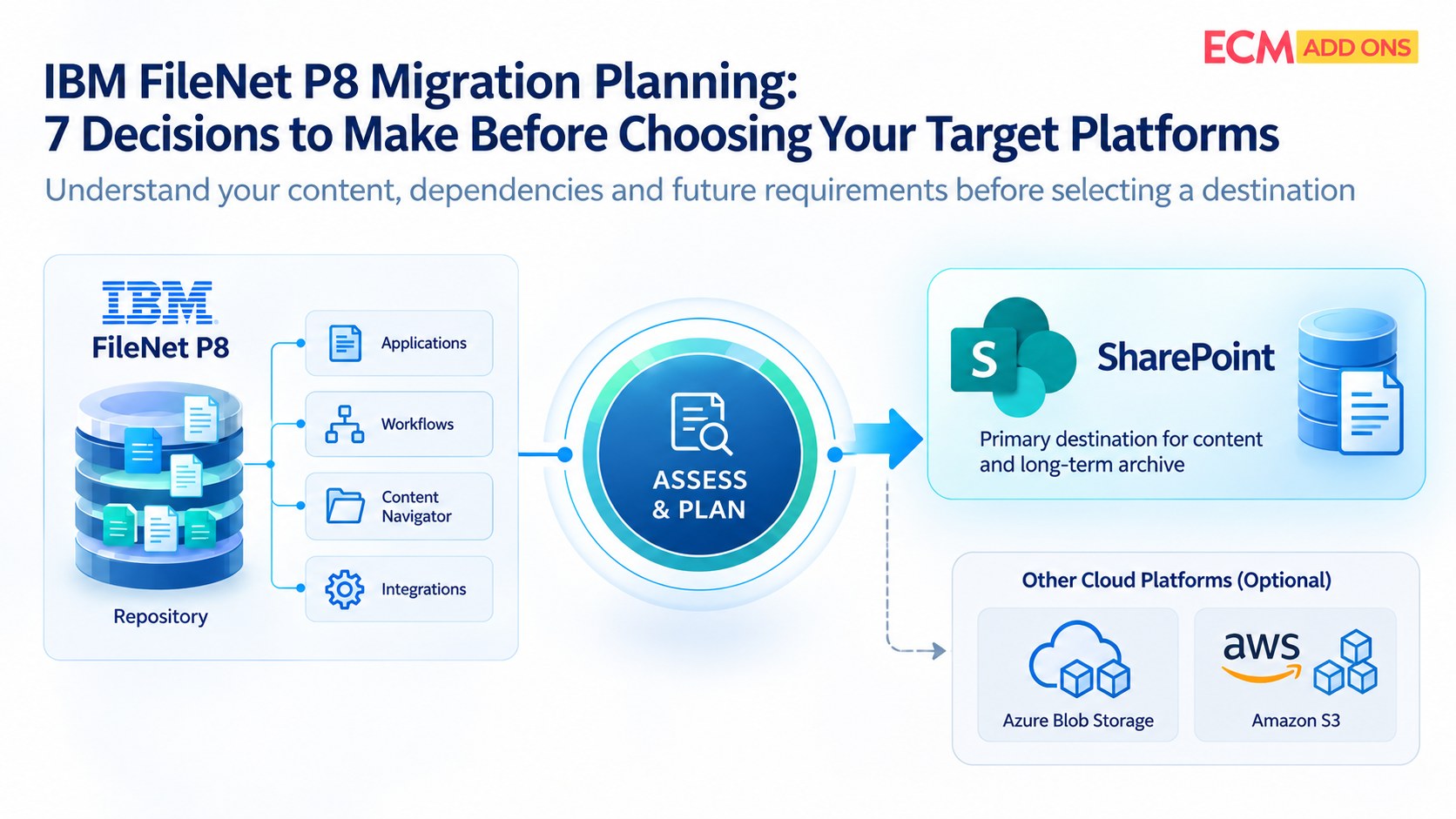
A successful IBM FileNet to SharePoint migration starts with discovery, assessment, and planning—not data movement.
The Problem With Counting Documents
“We have 20 million documents.”
It sounds like useful migration information.
But document volume alone does not tell you how difficult the migration will be.
Consider two environments:
Environment A
20 million documents
Simple metadata
Limited integrations
Low workflow dependency
Environment B
5 million documents
Complex metadata structures
Multiple custom workflows
ERP/CRM dependencies
Customizations
Business application integrations
Fragmented repositories
Complex security mappings
Which one is harder to migrate?
Probably Environment B.
This is why migration complexity cannot be estimated from document count alone.
Before moving content to SharePoint, organizations need to understand the composition, dependencies, and complexity of the FileNet environment.
What Should a FileNet Pre-Migration Assessment Reveal?
A meaningful assessment should provide a clear picture of the environment that is being migrated.
This includes more than content volume.
1. Content Inventory
Understand what exists in the FileNet environment.
This can include:
- Document volumes
- Content types
- Repository structures
- File formats
- Document age
- Duplicate or redundant content
- Inactive or obsolete content
This helps establish what actually needs to be considered for migration.
2. Metadata Complexity
Metadata is often central to how enterprise content is organized and discovered.
Assessment should identify:
- Metadata structures
- Custom properties
- Property values
- Required fields
- Mapping requirements
- Transformation requirements
The objective is to understand how existing FileNet information can be appropriately represented in SharePoint.
3. Security and Access
FileNet environments can contain complex security models accumulated over many years.
Before migration, organizations should understand:
- Users and groups
- Access controls
- Permission structures
- Restricted content
- Security inheritance
- Mapping requirements for SharePoint
Security should not be treated as something to solve after content has already been migrated.
It should be part of migration planning from the beginning.
4. Workflows and Business Processes
FileNet content may be connected to business processes and workflows.
An assessment should identify:
- Active workflows
- Custom workflows
- Business process dependencies
- Workflow-related content
- Processes that may be affected by migration
Not every FileNet capability will necessarily have a one-to-one equivalent in SharePoint.
Understanding these dependencies early helps organizations determine what needs to be migrated, redesigned, integrated, or retired.
5. Business Application Dependencies
This is one of the areas that can easily be overlooked.
FileNet may not operate as an isolated repository.
Business applications may:
- Create documents
- Update content
- Retrieve documents
- Update associated data
- Depend on metadata
- Reference FileNet content
- Trigger business processes
If these dependencies are not identified before migration, an organization may successfully move the documents while creating problems for the applications that depend on them.
The migration therefore needs to consider the ecosystem around FileNet—not just the repository itself.
6. Integrations and Customizations
Over time, enterprise FileNet environments often accumulate integrations and custom components.
These may include connections with:
- ERP systems
- CRM platforms
- Business applications
- Databases
- Workflow systems
- External services
- Custom applications
The assessment should identify which integrations are:
Required → To be redesigned → To be replaced → No longer required
This prevents legacy dependencies from becoming unexpected migration blockers.
7. Content That May Not Need to Be Migrated
One of the most important questions in a migration project is:
Does everything in FileNet actually need to move to SharePoint?
The answer may be no.
Organizations may identify:
- Obsolete content
- Duplicate content
- Expired records
- Redundant repositories
- Content outside the migration scope
- Content requiring separate retention or archival treatment
A good assessment can therefore help reduce unnecessary migration volume.
The best migration is not necessarily the one that moves everything. It is the one that moves what the business actually needs.
Why Pre-Migration Discovery Reduces Risk
Without sufficient discovery, organizations may discover important dependencies during migration.
That can lead to:
- Scope changes
- Unexpected development work
- Mapping issues
- Security complications
- Integration changes
- Migration delays
- Additional project costs
- Cutover uncertainty
Discovery moves these questions to an earlier stage—when they are easier and less expensive to address.
From Assessment to Migration Strategy
The purpose of an assessment is not to create another technical report.
It should help answer practical migration questions:
What should move?
What should not move?
How should content be structured in SharePoint?
How should metadata be mapped?
How should security be handled?
Which applications depend on FileNet?
What needs to be redesigned?
What can be automated?
What should be migrated first?
What are the major migration risks?
The answers form the foundation of the migration strategy.
Why Migration Planning Should Start With Evidence
Migration decisions based on assumptions can create unnecessary risk.
For example:
“We have 20 million documents, so migration should be straightforward.”
That conclusion may be completely wrong.
A better approach is:
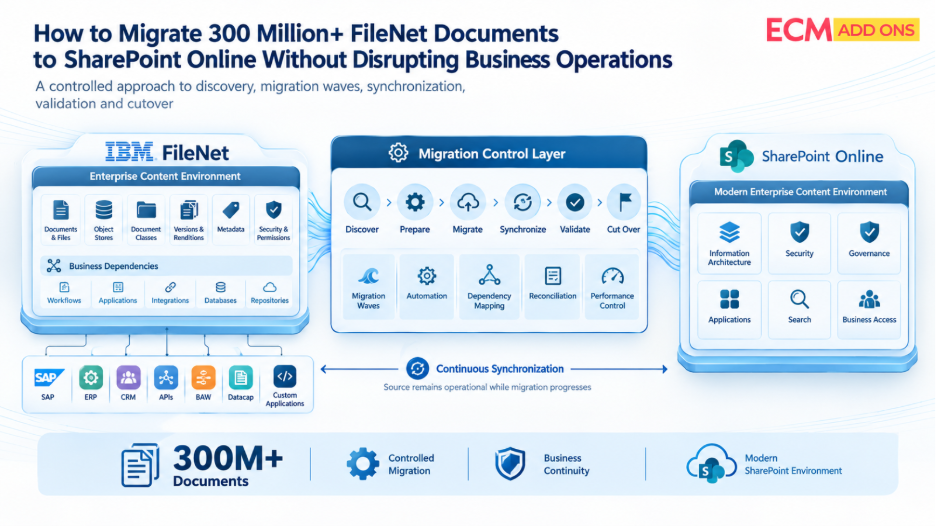
Discover → Assess → Analyze → Plan → Migrate → Validate
Each stage builds on evidence from the previous stage.
This is particularly important when migrating complex FileNet environments to SharePoint, where content, security, metadata, business applications, and integrations may all need to be considered together.
What Does a Migration-Ready FileNet Environment Look Like?
Before migration begins, organizations should ideally have clarity around:
Content
What exists and what actually needs to move?
Metadata
How will FileNet metadata be represented in SharePoint?
Security
How will access requirements be mapped and validated?
Applications
Which business applications depend on FileNet?
Integrations
Which integrations need to continue after migration?
Workflows
Which processes need to be retained, redesigned, or replaced?
Migration Scope
What is included, excluded, archived, or retired?
Validation
How will the organization prove that migration requirements have been met?
Cutover
How will the final transition be controlled?
If these questions cannot be answered, the organization may not yet be ready to begin a large-scale migration.
How ECM Addons Approaches FileNet to SharePoint Migration Assessment
ECM Addons approaches migration planning by first understanding the FileNet environment, its content, dependencies, and migration complexity.
The assessment process helps establish the foundation for:
Content Discovery
Understand the repositories, content volumes, structures, and characteristics.
Dependency Analysis
Identify applications, integrations, workflows, customizations, and other dependencies.
Metadata & Security Assessment
Evaluate metadata structures, access models, and mapping considerations for SharePoint.
Migration Scope Definition
Identify what should be migrated, retained, archived, or excluded.
Migration Planning
Translate assessment findings into a structured migration approach covering automation, delta migration, validation, and controlled cutover.
The objective is simple:
Understand the environment before moving it.
Because the more complex the FileNet environment, the more important it becomes to replace assumptions with evidence.
Try Before You Commit
Want to understand how your FileNet content can be migrated?
Try the Free Trial Migration Tool and experience the migration process before moving forward with a full-scale FileNet to SharePoint migration.
Frequently Asked Questions
What is a FileNet pre-migration assessment?
A FileNet pre-migration assessment evaluates the content, metadata, security, workflows, integrations, applications, customizations, and other dependencies within an IBM FileNet environment before migration to SharePoint.
Why is a FileNet assessment important before migrating to SharePoint?
It helps organizations understand migration complexity, identify dependencies, define scope, uncover risks, and establish a migration strategy before content movement begins.
Is document volume enough to estimate FileNet migration complexity?
No. Document volume is only one factor. Metadata complexity, security, workflows, integrations, customizations, business applications, and repository structure can significantly influence migration complexity.
What should be assessed before migrating FileNet to SharePoint?
Organizations should consider content, metadata, security, workflows, integrations, business applications, customizations, migration scope, validation requirements, and cutover dependencies.
Should all FileNet content be migrated to SharePoint?
Not necessarily. Assessment can help identify obsolete, redundant, expired, out-of-scope, or otherwise unsuitable content so organizations can make informed migration decisions.
How does a pre-migration assessment help control costs?
By identifying complexity, dependencies, unnecessary content, mapping requirements, and potential risks early, organizations can develop a more realistic migration scope and reduce unexpected work during execution.
Can FileNet business application dependencies affect SharePoint migration?
Yes. Applications may create, retrieve, modify, or depend on FileNet content and associated data. These dependencies should be identified before migration planning is finalized.
Final Thoughts
A FileNet to SharePoint migration should not begin with:
“How quickly can we move the documents?”
It should begin with:
“What exactly are we migrating, what does it depend on, and what will the business need after the migration?”
The answers determine the migration strategy.
Better discovery leads to better planning.
Better planning leads to lower migration risk.
And for complex IBM FileNet environments, understanding the source environment before migration begins can make the difference between a migration that simply moves content and one that successfully supports the business after the transition to SharePoint.
Planning an IBM FileNet to SharePoint Migration?
ECM Addons helps organizations assess and migrate complex IBM FileNet environments to Microsoft SharePoint with a structured approach covering discovery, dependency analysis, automation, delta migration, validation, monitoring, and controlled cutover.