Seamless IBM FileNet Transitions for Future-Ready ECM
FileNet Migration & Upgrade Services
Upgrade your IBM FileNet environment with confidence. Our experts help organizations modernize legacy FileNet platforms, improve performance, strengthen security, and transition to supported IBM versions with minimal downtime and zero data loss.
Trusted by Enterprise FileNet Customers
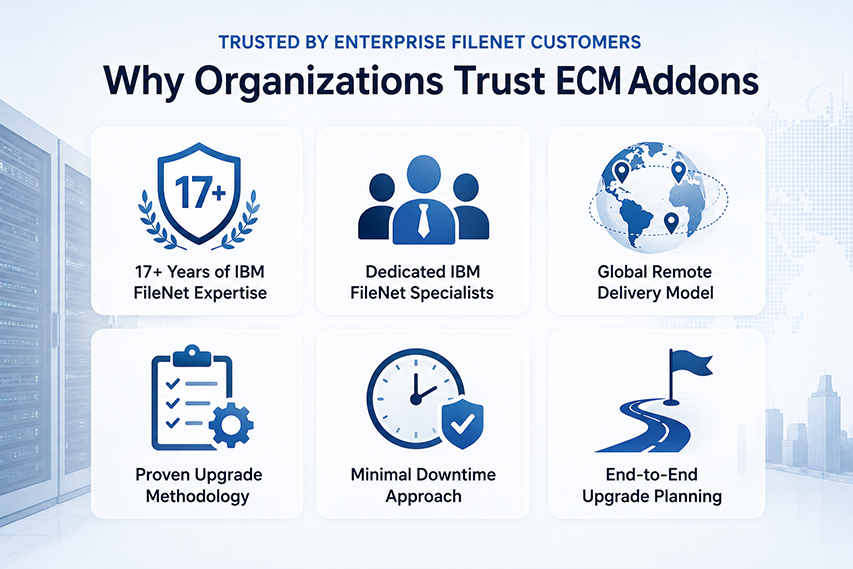
Why Organizations Trust ECM Addons
- 17+ Years of IBM FileNet Expertise
- Dedicated IBM FileNet Specialists
- Global Remote Delivery Model
- Proven Upgrade Methodology
- Minimal Downtime Approach
- End-to-End Upgrade Planning
Is Your FileNet Environment Ready for an Upgrade
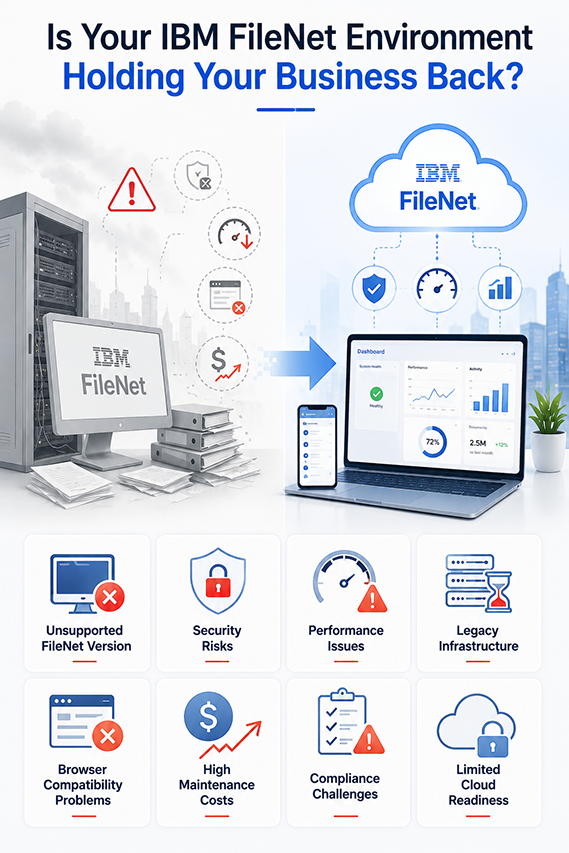
Is Your IBM FileNet Environment Holding Your Business Back?
If your organization is running an older IBM FileNet version, you may already be experiencing increasing maintenance costs, security vulnerabilities, browser compatibility issues, slower application performance, and limited support for newer IBM technologies. Delaying upgrades can increase operational risks and make future modernization initiatives more complex.
- Unsupported FileNet Version
- Security Risks
- Performance Issues
- Legacy Infrastructure
- Browser Compatibility Problems
- High Maintenance Costs
- Compliance Challenges
- Limited Cloud Readiness
Supported IBM FileNet Upgrade Scenarios
| Current Environment | Upgrade Target |
|---|---|
| FileNet P8 5.2.x | FileNet 5.6.x / IBM Content Cortex 26.0.x |
| FileNet 5.5.x | Latest Supported Version |
| IBM Content Foundation | Cloud Pak Ready |
| Legacy ICN | Latest ICN |
| IBM Case Manager | Business Automation Workflow |
| Legacy WebSphere | Liberty / Modern Infrastructure |
Our FileNet Upgrade Services
- Compatibility analysis
- Infrastructure review
- Risk assessment
- Upgrade roadmap
- Application Servers
- Database
- Storage
- OS
- Middleware
- Content Engine
- Process Engine
- ICN
- Case Manager
- Datacap
- Business Automation Workflow
- Database tuning
- Search optimization
- Storage optimization
- Workflow optimization
- Regression Testing
- Performance Testing
- User Acceptance Testing
- Rollback Validation
Our Upgrade Methodology
Discovery & Assessment
Environment Review
Upgrade Planning
Development Upgrade
Testing & Validation
Production Upgrade
Hypercare Support
FileNet Upgrade Assessment Checklist
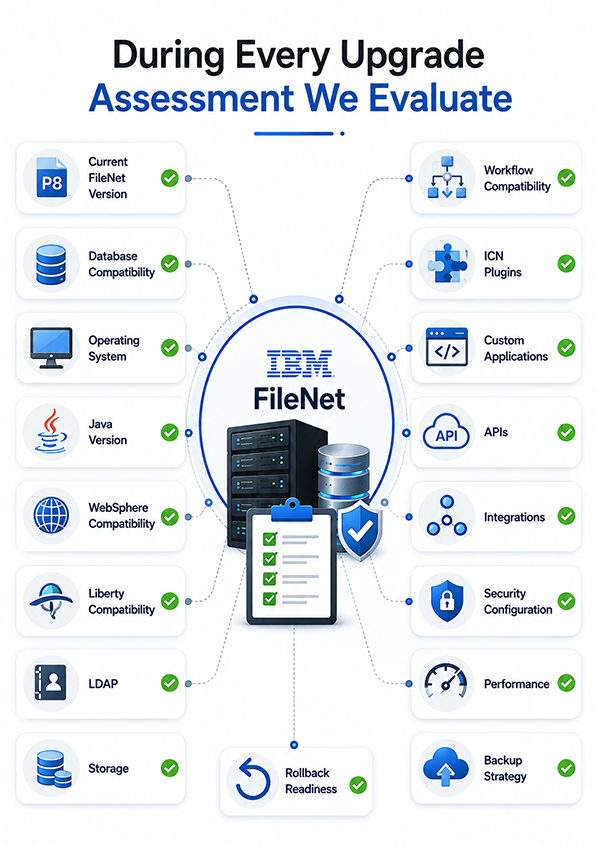
During every upgrade assessment we evaluate:
✓ Current FileNet Version
✓ Database Compatibility
✓ Operating System
✓ Java Version
✓ WebSphere Compatibility
✓ Liberty Compatibility
✓ LDAP
✓ Storage
✓ Workflow Compatibility
✓ ICN Plugins
✓ Custom Applications
✓ APIs
✓ Integrations
✓ Security Configuration
✓ Performance
✓ Backup Strategy
✓ Rollback Readiness
Why Choose ECM Addons for Your FileNet Upgrade?
Focused exclusively on IBM FileNet technologies.
Structured planning with minimal business disruption.
Assessment through Hypercare.
Weekend migration planning.
Remote upgrade services worldwide.
Fixed-price or Time & Material.
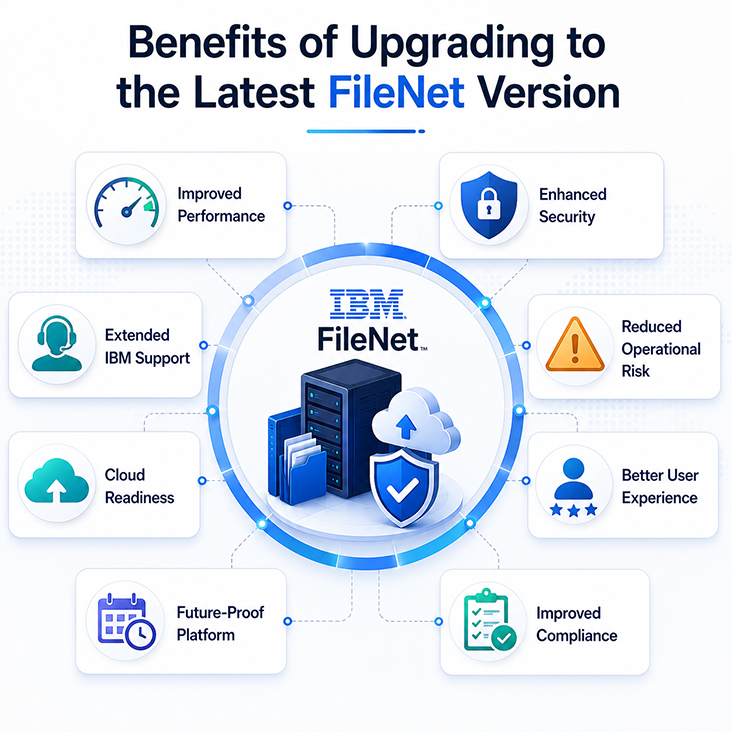
Benefits of Upgrading to the Latest FileNet Version
- Improved Performance
- Enhanced Security
- Extended Support
- Reduced Operational Risk
- Cloud Readiness
- Better User Experience
- Future-Proof Platform
- Improved Compliance
Frequently Asked Questions
The duration of a FileNet upgrade depends on your environment’s complexity, current FileNet version, infrastructure, customizations, integrations, and testing requirements. A standard upgrade project typically takes 4 to 12 weeks, including assessment, planning, testing, production deployment, and post-upgrade support. Larger enterprise environments with multiple repositories or custom applications may require additional time.
Yes. We deliver most IBM FileNet upgrade projects remotely using secure VPN access and collaborative project governance. Our team follows a structured upgrade methodology with regular status meetings, detailed documentation, and validation checkpoints. If required, we can also provide onsite support for production cutover and critical project milestones.
We support upgrades across a wide range of IBM FileNet platforms, including:
- IBM FileNet P8 5.2.x
- IBM FileNet P8 5.5.x
- IBM FileNet P8 5.6.x
- IBM Content Foundation
- IBM Content Navigator (ICN)
- IBM Case Manager
- IBM Business Automation Workflow (BAW)
- IBM Datacap
- IBM Content Search Services (CSS)
During the assessment phase, we evaluate version compatibility and recommend the most appropriate upgrade path based on your business and technical requirements.
Most production upgrades require a planned maintenance window; however, our objective is always to minimize business disruption. We carefully plan the production cutover, validate backups, perform pre-production testing, and execute the upgrade during approved maintenance windows. Our structured approach helps reduce downtime while ensuring data integrity and system stability.
Yes. Existing workflows, custom applications, event actions, and integrations can typically be retained during the upgrade. As part of our assessment, we review all custom components to identify any compatibility issues and recommend necessary updates or modifications before production deployment.
Yes. We assess all custom and third-party IBM Content Navigator plugins as part of the upgrade process. Compatible plugins are upgraded and validated, while older plugins may require code updates or recompilation to support newer FileNet or ICN versions. Comprehensive testing is performed to ensure all extensions continue to function as expected.
Yes, depending on your current FileNet version and infrastructure. We assess your existing environment, identify prerequisites, and develop a phased modernization roadmap for IBM Cloud Pak for Business Automation. If a direct upgrade is not recommended, we provide an optimized migration path to help minimize risk and ensure a successful transition.
Absolutely. Every upgrade project includes a documented rollback strategy to help protect your production environment. Before deployment, we validate backups, define rollback procedures, and establish recovery checkpoints. In the unlikely event of an issue during production deployment, our team can execute the rollback plan to restore business operations quickly.
A successful FileNet upgrade begins with careful planning. We recommend a comprehensive assessment covering infrastructure, application compatibility, customizations, integrations, security configurations, databases, and user requirements. This planning phase helps identify potential risks, define the upgrade strategy, and reduce unexpected issues during implementation.
Yes. We provide complete production cutover support, including deployment planning, maintenance window coordination, backup verification, upgrade execution, system validation, user verification, and post-go-live monitoring. Our consultants remain engaged during the critical stabilization period to ensure a smooth transition and resolve any issues quickly.
Upgrading to the latest supported IBM FileNet version helps improve system performance, enhance security, maintain IBM support eligibility, ensure compatibility with modern operating systems and browsers, and prepare your platform for future modernization initiatives such as cloud adoption and AI-driven automation.
Yes. Every engagement begins with a comprehensive upgrade assessment to evaluate your current environment, identify compatibility issues, assess customizations, review infrastructure, and develop a detailed upgrade roadmap with timelines, risks, and recommendations.
Yes. We have experience upgrading complex FileNet environments that include custom applications, event actions, IBM Content Navigator plugins, integrations, and business workflows. Our assessment identifies any components that require updates before the production upgrade.
Yes. Following the upgrade, we provide hypercare support to monitor system performance, address any post-deployment issues, validate business processes, and ensure a smooth transition to normal operations. Ongoing managed services are also available for organizations seeking long-term platform support.
Ready to Upgrade Your IBM FileNet Platform?
Whether you’re planning a routine version upgrade, modernizing your infrastructure, or preparing for IBM Cloud Pak, ECM Addons provides the expertise to deliver a secure, efficient, and low-risk upgrade.