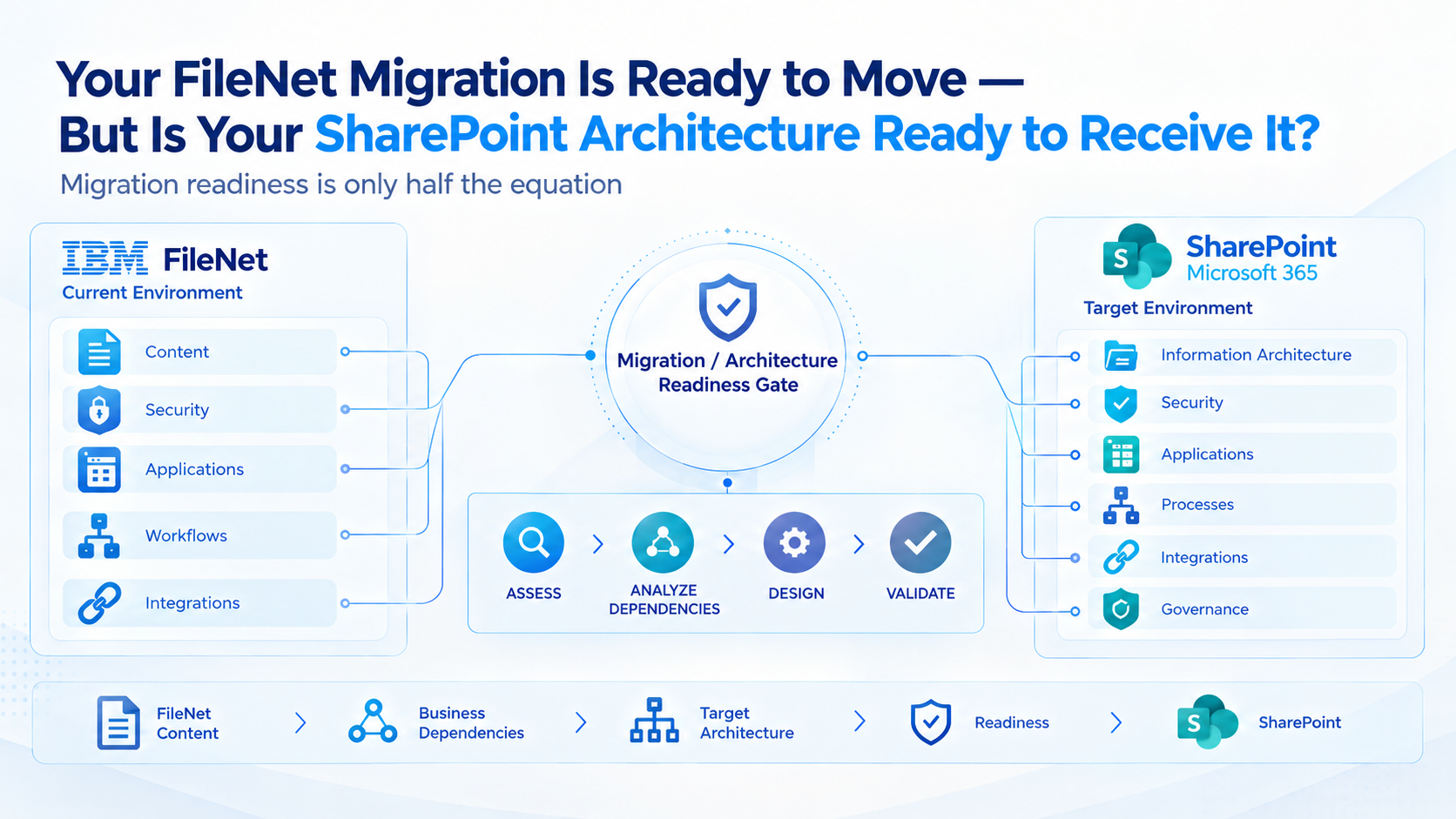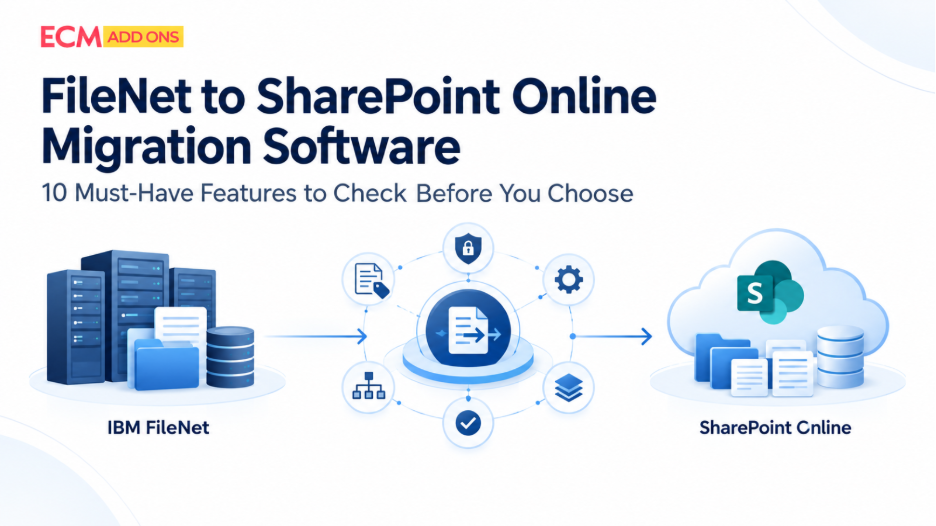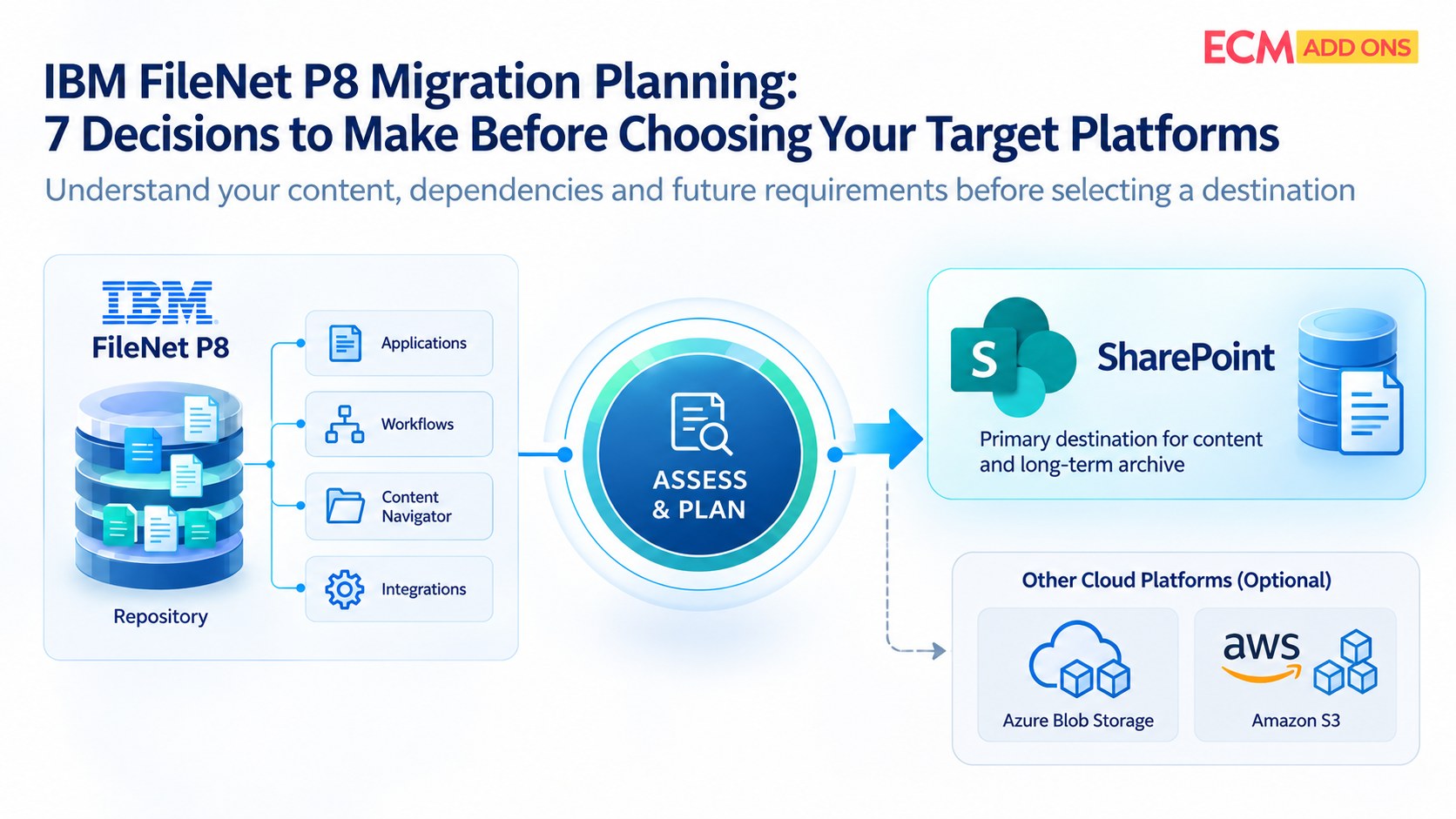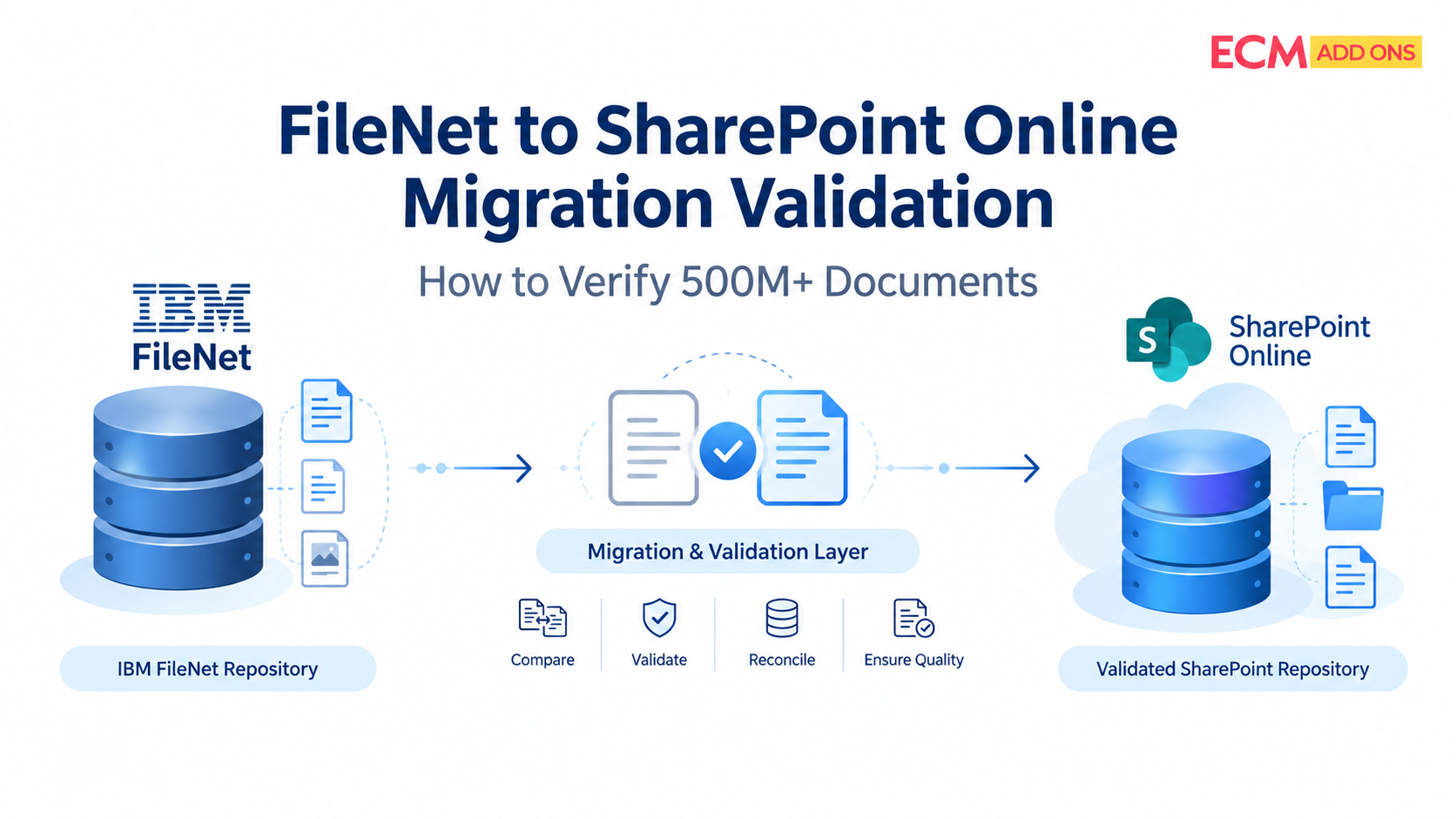
Why FileNet to SharePoint Online Migration Validation Matters at Enterprise Scale
An IBM FileNet to SharePoint Online Migration involving hundreds of millions of documents is not complete simply because the migration software reports that the transfer has finished. Enterprises must establish that the expected content has arrived, critical document attributes remain correct, permissions work as intended, and business applications can retrieve the migrated information.
At a scale of 500 million or more documents, even a small percentage of exceptions can represent a substantial number of records requiring investigation. A migration may also involve multiple object stores, document classes, versions, security models, workflows, integrations, and retention requirements. Verifying only document counts cannot establish that these elements have been transferred correctly.
For regulated organizations in banking, insurance, healthcare, energy, and the public sector, the consequences can extend beyond operational inconvenience. Missing records, incorrect access permissions, incomplete document histories, or broken relationships between documents and business transactions can affect audits, customer service, legal obligations, and day-to-day operations.
IBM FileNet to SharePoint Online migration validation therefore needs to be designed into the migration process, not treated as a final check after the content has moved.
What Does FileNet to SharePoint Online Migration Validation Actually Verify?
Migration validation is the process of comparing the source IBM FileNet environment with the destination SharePoint Online environment to determine whether the migration has met defined business, technical, and governance requirements.
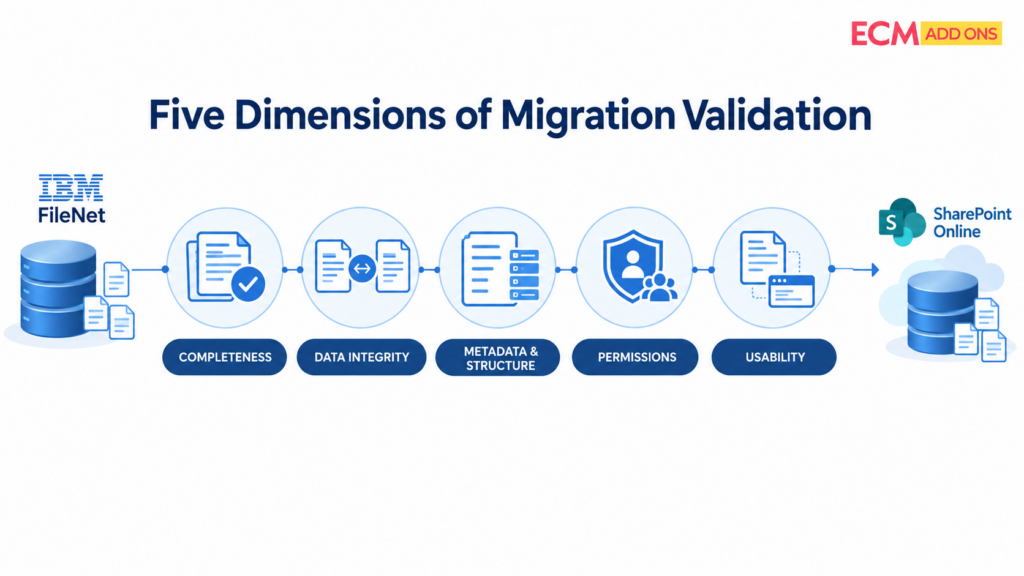
It should answer five questions:
- Completeness: Did every in-scope document and required version migrate, or is each exception accounted for?
- Integrity: Does the destination content match the source according to the agreed validation rules?
- Structure and metadata: Were document attributes, classifications, relationships, and required organizational structures preserved or mapped correctly?
- Security: Do the correct users and groups have the intended access to migrated content?
- Usability: Can users and dependent applications find, open, retrieve, and use the documents they need?
The validation approach must also distinguish between documents that migrated successfully, documents that failed, items intentionally excluded from scope, and items awaiting resolution. Without this distinction, a high migration success count can conceal important gaps.
1. Establish a Reliable Baseline Before Migrating FileNet Content
A destination cannot be validated reliably unless the source environment has been measured first. Before the migration begins, establish a baseline of the content and dependencies included in the approved scope.
The baseline should cover relevant FileNet object stores, document classes, content volumes, document versions, business application fields, security assignments, and business relationships. Where applicable, it should also account for annotations, renditions, custom properties, and references used by dependent applications.
The baseline should record both the total population and the rules defining what is eligible for migration. For example, an organization may intentionally exclude expired content under an approved retention policy or retain certain records in a separate archive. Those decisions must be documented rather than appearing later as unexplained migration failures.
This is where the ECM Addons FileNet Analyzer Tool can fit into the assessment process. Use the analysis stage to understand the source environment and establish a clearer view of the migration scope before finalizing validation criteria. Confirm the tool’s current capabilities against the specific discovery and reporting requirements of your environment.
For complex environments, the baseline should be approved by the technical team and relevant business or records-management owners before migration waves begin.
2. Validate Document Counts During FileNet to SharePoint Migration
Document counts are an essential first control, but matching totals do not prove that the correct documents have migrated. One missing document and one unintended duplicate could leave the overall count unchanged.
For large-scale enterprise content migration, compare source and destination populations at multiple levels:
- Total in-scope documents.
- Documents grouped by object store and document class.
- Documents grouped by business unit, content category, or migration wave.
- Expected and migrated versions, where version history is in scope.
- Successful transfers, failures, exclusions, duplicates, and unresolved exceptions.
Every comparison must use consistent counting rules. For example, determine whether the source count represents unique documents, individual versions, or all content items. Define how deleted, superseded, or intentionally excluded records are treated.
At 500M+ scale, aggregate totals should be supported by item-level records. If a difference appears in a particular object store or migration wave, teams should be able to trace it to individual source records and their corresponding destination items.
The goal is not simply to report that the totals match. It is to explain every difference and establish whether it is acceptable, requires remediation, or blocks cutover.
3. Perform FileNet to SharePoint Online Data Integrity Validation
FileNet to SharePoint Online data integrity validation determines whether the migrated content and its required attributes meet predefined equivalence rules.
The checks should reflect the content types, migration methods, and business risks involved. Depending on the environment, validation may include:
- Confirming that the destination document can be opened and read.
- Comparing source and destination file sizes where meaningful.
- Comparing cryptographic hashes when the migration process and available content representations support a reliable byte-for-byte comparison.
- Verifying required business applications values and their transformation rules.
- Checking document versions, annotations, renditions, and relationships where included in scope.
- Confirming that document identifiers or cross-references required by dependent systems remain usable.
Hash comparison is useful when the source and destination files are expected to contain identical bytes. It should not be treated as a universal test if a migration process transforms a file, changes its representation, or handles renditions differently. In those cases, use validation rules appropriate to the transformation.
Likewise, business applications should be validated against an approved mapping specification. A source field may intentionally map to a different destination column or format, so a literal field-by-field comparison is not always appropriate.
For a high-volume migration, define these rules before execution and apply them consistently across migration waves. This reduces subjective decisions during reconciliation and makes validation results easier to explain to auditors and business stakeholders.
4. Verify Permissions and Information Access in SharePoint Online
Successful content transfer does not guarantee that security has been preserved. Permissions must be validated independently because FileNet and SharePoint Online may represent users, groups, roles, and access inheritance differently.
The validation process should compare the intended source access model with the approved destination design. It should check whether users and groups have been mapped correctly, whether restricted records remain restricted, and whether the destination grants access only to authorized audiences.
Pay particular attention to:
- Documents with unique permissions or restricted access.
- Sensitive customer, employee, financial, medical, or legal records.
- Service accounts and application identities.
- Users or groups that have changed, been disabled, or cannot be mapped.
- Documents whose access depends on inherited permissions or business-specific rules.
For regulated environments, test access using representative user and group accounts. Confirm both sides of the security boundary: authorized users can access the records they need, and unauthorized users cannot access restricted content. A permissions report alone should not replace controlled access testing.
5. Validate Regulated Records After FileNet to SharePoint Online Migration
For banking, insurance, healthcare, energy, and public-sector organizations, content validation must include the controls that make records usable and defensible over time.
A document may be present and readable yet still fail business requirements if its retention classification, record status, audit context, or relationship to a customer or transaction has been lost. Requirements vary by jurisdiction, record type, organizational policy, and the destination architecture; they should be confirmed with the organization’s compliance and records-management teams.
Validation should therefore establish whether the migration preserves or correctly maps the required:
- Retention and disposition attributes.
- Record classifications and legal-hold indicators, where applicable.
- Audit information and document history required by policy.
- Links between records and their relevant business transactions.
- Access restrictions and handling requirements for sensitive content.
- Evidence needed to demonstrate the migration’s scope, exceptions, and approvals.
Do not assume that every FileNet feature has a direct equivalent in SharePoint Online. Some capabilities may require a different configuration, a replacement process, an integration, or an approved alternative. These decisions should be documented and tested before the related content is approved for cutover.
The acceptance criteria should identify who approves each control, what evidence is required, and how any exceptions will be handled. This helps turn migration validation into a governance activity rather than a purely technical sign-off.
6. Use Automated Validation for Large-Scale FileNet to SharePoint Migration
At hundreds of millions of documents, relying entirely on manual inspection is impractical. Automated migration validation makes it possible to run repeatable checks across large populations and direct specialists toward exceptions that require investigation.
A well-designed validation process can automate document-count reconciliation, metadata comparisons, integrity checks, permission checks where technically supported, and the classification of migration errors. Results should be recorded against stable source and destination identifiers so that teams can trace an exception to the relevant migration job and remediation action.
Automation should produce more than a single success percentage. Useful reporting distinguishes:
- Documents identified and approved for migration.
- Documents successfully migrated and validated.
- Documents migrated but not yet fully validated.
- Failed or missing documents.
- Intentional exclusions.
- Metadata, integrity, permission, or relationship exceptions.
- Remediation status and retest results.
Automation also needs exception handling. A validation engine should identify what failed, preserve enough context for investigation, and support retesting after correction. It should not automatically label unresolved records as successful simply because the overall migration job completed.
7. Validate Incremental Synchronization During FileNet to SharePoint Migration
Large enterprise migrations often run in waves while FileNet remains operational. Documents may be created, updated, or reclassified after an initial migration pass. Validation must account for these changes, or the destination may be accurate at one point in time but outdated by cutover.
Where the migration design supports incremental or delta synchronization, validate the changes transferred during each subsequent pass. Confirm that newly created documents are included, updates reach the intended destination items, and items deleted or changed at the source are handled according to approved business rules.
Each wave should have a clear reconciliation point. The team should know which source population and change window were included, which records were transferred, which checks passed, and which exceptions remain open.
Before cutover, run the agreed final synchronization and reconciliation process. Keep FileNet available until the organization has confirmed that the required content, access, integrations, and business processes are ready for the transition. The exact sequence depends on the migration architecture and the organization’s acceptable change window.
8. FileNet to SharePoint Online Migration Validation Checklist
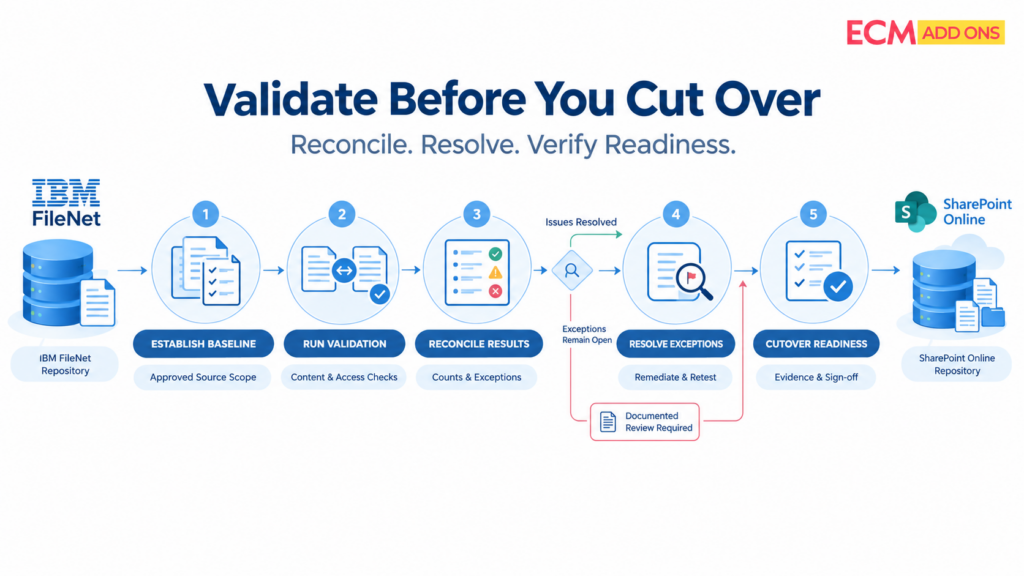
Use the following FileNet to SharePoint migration validation checklist to structure technical testing and business sign-off. Adapt it to the actual scope, regulatory obligations, and capabilities of the selected migration solution.
Validation area | What to verify | Evidence for sign-off |
Source baseline | In-scope object stores, document classes, versions, and exclusions are documented | Approved source inventory and scope |
Document completeness | Expected, migrated, failed, excluded, and unresolved counts reconcile | Population reconciliation report |
Data integrity | Files open correctly and applicable integrity checks pass | Integrity results and exception log |
Metadata | Required attributes match the approved mapping rules | Metadata comparison report |
Versions and related content | Required versions, renditions, annotations, and relationships are accounted for | Item-level validation results |
Permissions | Intended users and groups have the correct access | Permission comparison and access tests |
Records governance | Required retention, record, legal-hold, and audit controls are addressed | Governance mapping and owner approval |
Application dependencies | Required integrations and retrieval paths work | Functional and integration test results |
Incremental changes | Updates since the previous migration pass are reconciled | Delta synchronization report |
Exceptions | Failures are classified, assigned, resolved, or formally accepted | Exception register and retest evidence |
Cutover readiness | Required checks pass and accountable owners approve the outcome | Signed acceptance record |
A checklist is only useful if each item has an owner, a defined pass/fail rule, and evidence that can be reviewed later. For high-risk content, define stricter acceptance criteria and escalation paths before production migration begins.
9. Turn Validation Results into a Controlled Cutover Decision
Migration completion and business readiness are different milestones. A migration job can finish while unresolved exceptions, access problems, or application dependencies remain.
Before approving cutover, review the overall reconciliation alongside the highest-risk exceptions. Confirm that the organization understands which records have been validated, which remain unresolved, what remediation is planned, and whether any outstanding issues affect regulated records or critical business processes.
Cutover criteria should be agreed before migration begins. They may include reconciliation thresholds, mandatory security tests, completion of required application testing, resolution of critical exceptions, and formal approval from IT, business, security, and records-management owners.
Where exceptions cannot be resolved before cutover, document the impact, accountable owner, mitigation, and approval. Do not describe the migration as fully validated if material checks remain incomplete.
For enterprises planning a large-scale transition, ECM Addons provides FileNet Migration Services to support seamless transition. Organizations can also review the FileNet to SharePoint Migration Tool and discuss a scoped Migration Trial to evaluate the approach against representative content and validation requirements.