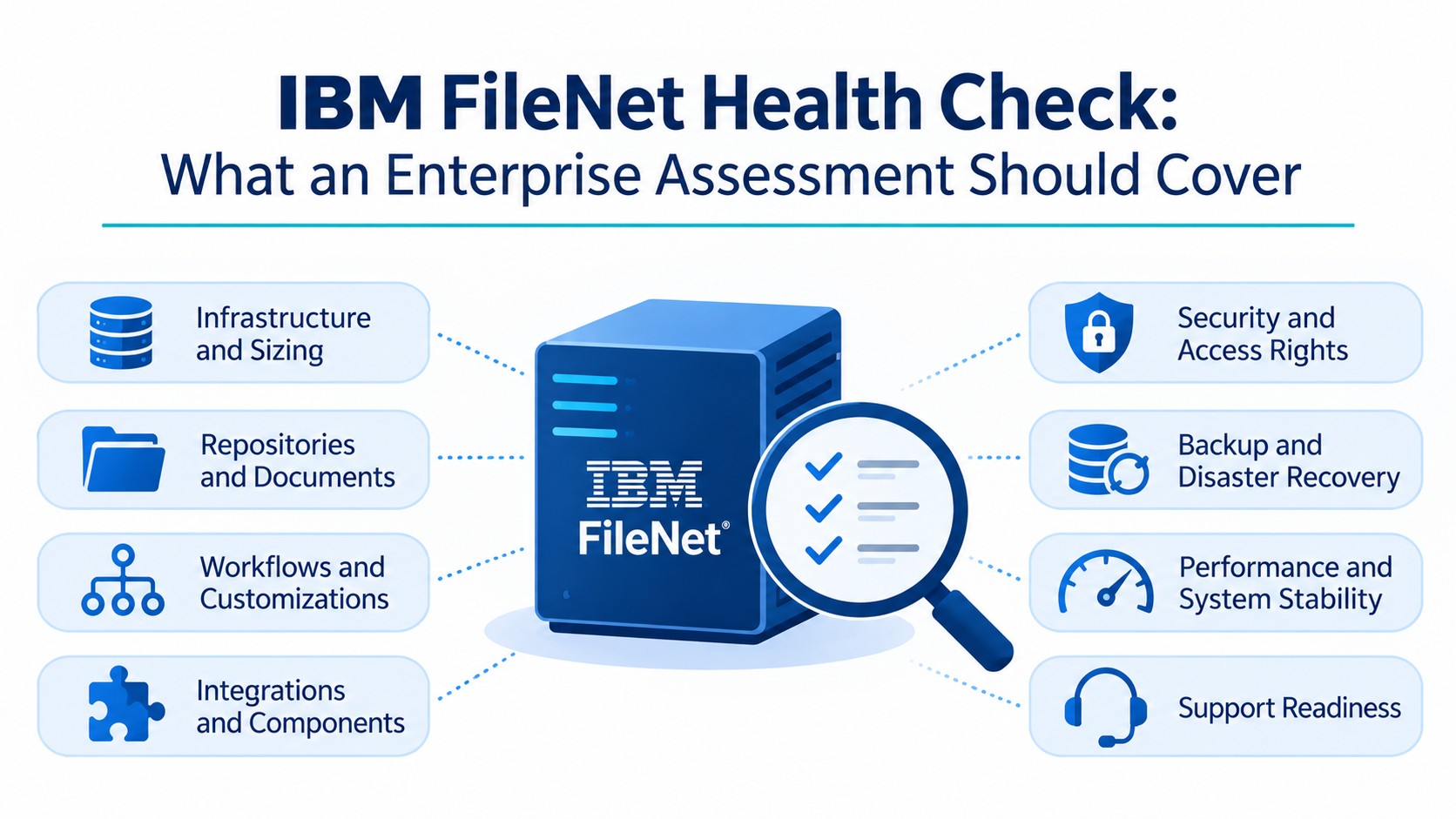
Enterprise IBM FileNet environments contain far more than documents. Over years of operation, they accumulate custom document classes, business automation workflows, application integrations, security configurations, and dependencies that support critical business processes.
Moving this environment to Microsoft SharePoint Online, Open Text or another content platform involves more than extracting documents and uploading them elsewhere. Unidentified application dependencies, missing document versions, or unresolved workflows can affect business operations long after the migration appears complete.
A successful enterprise FileNet migration requires a clear understanding of the source environment, a defined target architecture, controlled content transfer, and evidence-based validation. ECM Addons combines IBM FileNet expertise, dedicated migration tools, and implementation planning to help organizations identify and address migration risks before production cutover.
Why FileNet Migration Requires Specialized Expertise
FileNet has a repository-based architecture and an extensive application ecosystem. Understanding how the existing environment stores, organizes, secures, and exposes content is essential before defining the migration scope.
Existing IBM FileNet Content Manager Environments
IBM FileNet Repositories contain documents, folders, and associated objects organized through document classes and property definitions. An enterprise environment may include multiple repositories, customized classes, inherited properties, and different content structures.
Migration specialists must understand these structures to determine how content and its associated information should be handled in the destination environment.
Identifying Custom Applications and Dependencies
Enterprise applications may interact with FileNet through Content Engine APIs, repository identifiers, custom services, scheduled jobs, or application-specific integrations.
Some dependencies may not appear in existing architecture diagrams. Identifying them requires reviewing application configurations, API usage, service accounts, integration endpoints, logs, and input from application owners.
Assessing Metadata, Security, and Workflows
Metadata determines how documents are classified and retrieved, while security configurations govern access to content. Workflows control how documents move through approvals, reviews, and business processes.
These elements must be assessed in the context of how the organization uses FileNet. Transferring document files without accounting for their metadata, permissions, and business purpose can result in a migration that is technically complete but functionally incomplete.
What Makes Enterprise FileNet Migration Complex?
Migration complexity depends on the source architecture, the volume and variety of content, and how deeply FileNet is connected to business operations. Several components require specific planning before migration begins.
Repositories, Document Classes, and Metadata
Different Repositories may contain distinct document classes, property definitions, folders, and relationships. Custom classes can also include business-specific fields that do not directly match the destination structure.
The migration design must establish how relevant classes and properties map to SharePoint/ OpenText content types, columns, libraries, or other appropriate destination structures.
Versions, Annotations, and Renditions
A FileNet document may have multiple checked-in versions, annotations, and associated renditions. These elements should not be assumed to have direct equivalents in SharePoint/ OpenText version history or other destination features.
The project must define which versions and associated content are required, how annotations and renditions will be handled, and how the results will be validated.
FileNet Workflows, BAW, and Case Manager
FileNet environments may use workflow capabilities, IBM Business Automation Workflow (BAW), or IBM Case Manager to support approvals and case-based processes.
These workflows cannot always be transferred directly to SharePoint/OpenText. Each process needs a defined disposition: retain through integration, redesign using an appropriate workflow platform, replace with another application, or retire if it is no longer required.
SAP ArchiveLink, ERP, and External Integrations
FileNet may connect with SAP, Oracle, CRM, ERP, and other enterprise applications. These systems may store repository references or use integration services to retrieve documents.
Changing the repository can affect these connections. Application owners must determine whether references, URLs, APIs, and retrieval processes need updating, replacement, or continued integration with the source environment.
How ECM Addons Reduces IBM FileNet Migration Risks
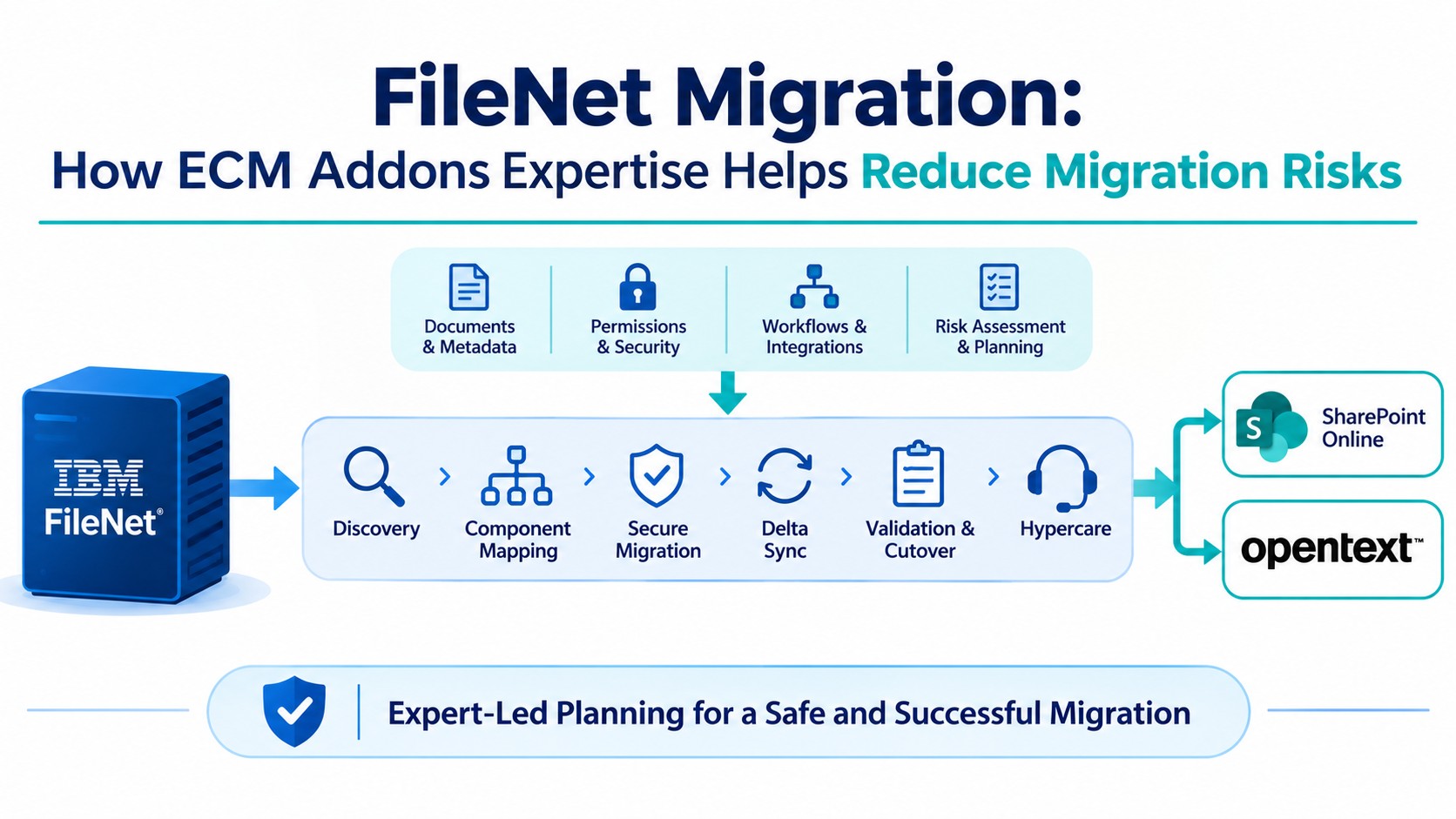
ECM Addons follows a migration approach that addresses risks throughout the project lifecycle, from initial discovery to post-migration stabilization.
Source Environment Discovery and Assessment
ECM Addons begins by examining the existing FileNet environment, including its versions, repositories, content structures, application dependencies, and migration requirements.
The assessment helps establish what needs to move, what requires further investigation, and which components could influence the target architecture. These findings provide a basis for defining migration scope, planning resources, and identifying risks.
Migration Architecture and Component Mapping
Not every FileNet component needs to be transferred in its existing form. Each component should be evaluated according to its business purpose, technical dependencies, and relevance to the target environment.
The resulting decisions generally fall into five categories:
- Migrate: Transfer required content and associated information to the target.
- Replace: Use another platform or service to provide the required capability.
- Redesign: Rework a process or application that has no suitable direct equivalent.
- Retain: Keep selected content or services accessible in the source environment for an approved period.
- Retire: Discontinue components that are no longer required.
This approach helps organizations avoid recreating unnecessary legacy complexity in the new environment.
Automated Extraction and Content Migration
ECM Addons uses dedicated migration tools and FileNet APIs to extract documents and associated metadata for transfer to the target platform.
Configured migration rules determine how source content is processed and mapped. This provides a consistent approach to handling migration workloads rather than relying on ad hoc document transfers.
Metadata, Security, and Application Mapping
Once the migration scope and component decisions are established, source structures must be mapped to the destination architecture.
For SharePoint Online & Open Text environment, this includes defining suitable sites, libraries, content types, columns, and permission structures. Document properties, classifications, user and group access, and relevant application dependencies must also be considered.
Where source functionality cannot be represented directly, the alternative approach should be documented and tested before implementation.
Incremental Migration and Delta Synchronization
Business users may continue creating or modifying documents while the initial migration is underway. A synchronization strategy is therefore important for managing changes made after the first transfer.
Subsequent migration passes can capture eligible additions and modifications, subject to the configured migration design and tool capabilities.
Before cutover, the project should establish a final synchronization window, control source changes where required, and reconcile remaining differences. FileNet should remain available as the operational source until the destination has passed the agreed validation and business approval process.
Validation, Reconciliation, and Controlled Cutover
A successful migration requires evidence that the destination contains the expected content and supports the required business functions.
Validation should cover:
- Document counts and migration completeness.
- Business Application values and classification.
- Permissions and document accessibility.
- Required document versions and associated content.
- Relevant application integrations and workflows.
Migration reports should identify successful items, failed documents, skipped records, and outstanding exceptions. Failed items should be investigated, corrected, and retried through a controlled process.
Cutover should proceed only after reconciliation, exception review, and business-owner acceptance.
Post-Migration Support and Hypercare
After cutover, users and application teams may identify access issues, unexpected search results, integration problems, or process gaps.
A defined hypercare period provides a process for investigating these issues, resolving outstanding exceptions, and stabilizing the new environment. The project should also establish ownership of ongoing administration, support, and records-management responsibilities.
How ECM Addons Handles IBM FileNet-to-SharePoint & IBM FileNet-to-OpenText Migration
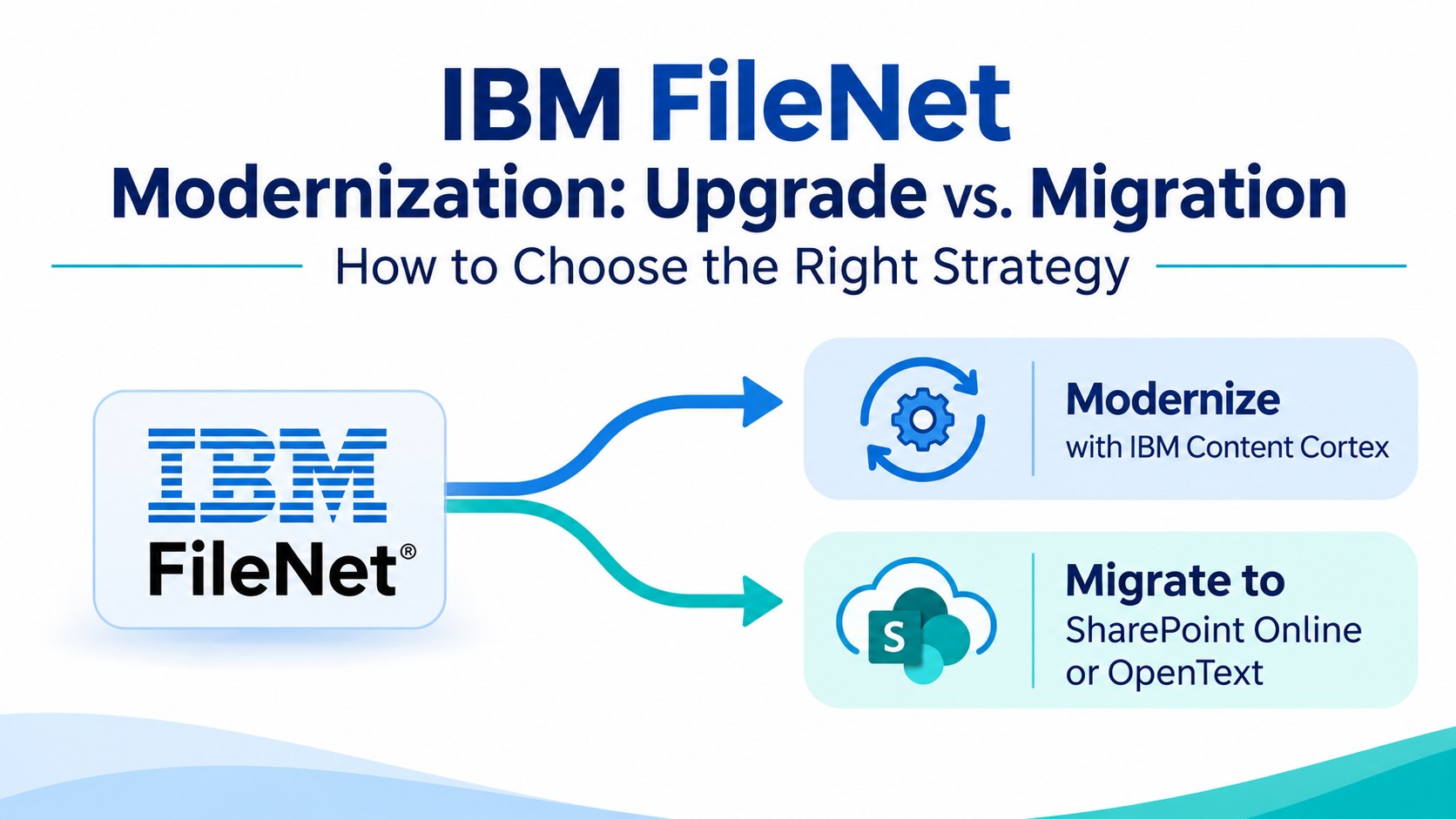
Moving from IBM FileNet to SharePoint Online or IBM FileNet to OpentText requires a destination architecture that reflects how the organization intends to manage its content, rather than simply recreating the old repository structure.
ECM Addons considers the target information architecture, metadata mapping, security permissions, and application dependencies as part of the migration approach.
Where existing workflows can be supported through suitable Microsoft 365 & OpenText capabilities, they can be evaluated for that purpose. Complex case processes and customized applications may require redesign, integration, or a separate replacement solution.
The FileNet-to-SharePoint/ FileNet-to-OpenText Migration Tools support structured content migration. The migration trial allows organizations to evaluate representative content, metadata, folder structures, permissions, and migration reports before proceeding with a wider implementation.
Proven FileNet Migration Experience
ECM Addons’ published project references demonstrate experience across different migration volumes and organizational contexts, including FileNet-to-SharePoint Online & FileNet-to-OpenText implementations.
These projects illustrate different migration volumes and implementation considerations. They are not guarantees of project duration or identical outcomes for other environments. Actual effort depends on repository complexity, integrations, customizations, and validation requirements.
Looking for insights from large-scale FileNet migration projects?
Contact ECM Addons at contactus@formativesolutions.co.in to request detailed case studies, implementation insights, and practical perspectives on managing complex enterprise FileNet migrations.
Why Choose a FileNet Specialist for Enterprise Migration?
Enterprise migration requires more than familiarity with the destination platform. The provider must understand the source FileNet environment and how its technical components and business dependencies influence migration decisions.
ECM Addons brings together:
- FileNet-specific experience: Understanding of FileNet versions, repositories, document structures, APIs, and associated components.
- Migration accelerators: Dedicated tools for assessment, extraction, and structured content migration.
- SharePoint & OpenText knowledge: Experience planning destination structures, metadata mapping, permissions, and custom application requirements.
- Implementation-led planning: Focus on dependency discovery, component mapping, synchronization, validation, and cutover.
- Practical migration evidence: Published project examples covering different document volumes and implementation contexts.
The objective is to base migration decisions on the actual environment, rather than assumptions about what can be transferred automatically.
Frequently Asked Questions
How do you identify undocumented applications and integrations that depend on IBM FileNet before migration?
Review FileNet APIs, application configurations, service accounts, integration endpoints, scheduled jobs, logs, and repository references.
Combine technical discovery with discussions involving application owners and business teams to uncover dependencies that may be missing from existing documentation.
How do you determine which FileNet components need migration, replacement, redesign, or retirement?
Evaluate each component against current business requirements, technical dependencies, and target-platform capabilities. Transfer required content, replace or redesign unsupported functionality, retain selected source components where necessary, and retire components that are no longer needed after stakeholder approval.
How do you handle IBM FileNet environments with multiple repositories, custom classes, and different document structures?
Assess each relevant object store and document class, then define property mappings, classification rules, folder structures, and destination content types.
Test representative content from each structure before migrating the wider repository to identify and resolve mapping issues.
How are documents modified in FileNet during an ongoing migration synchronized with SharePoint/OpenText?
Use a planned synchronization strategy to capture eligible additions and modifications made after the initial migration. Complete a final synchronization and reconcile the remaining differences before cutover. The exact approach depends on the migration tooling and project requirements.
How do you manage failed documents, migration exceptions, and retry operations in a large FileNet migration?
Track migration results through reports and exception records. Classify failures by cause, such as inaccessible content, unsupported properties, mapping errors, or destination restrictions. Resolve the underlying issue, retry affected items through controlled processing, and reconcile the results to identify omissions or duplicate content.
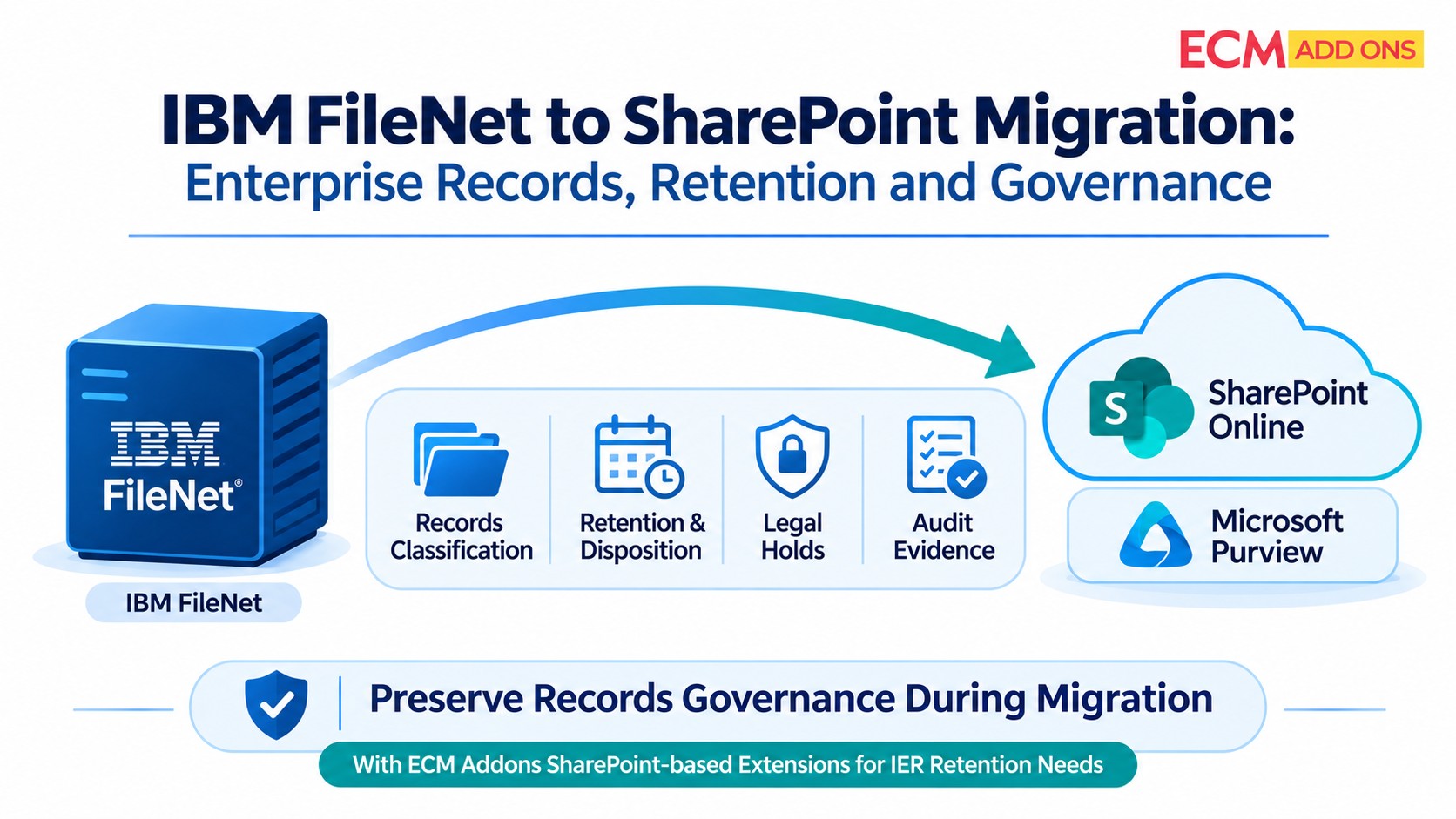
How are FileNet retention schedules, legal holds, and records-management requirements handled after migration?
Review retention schedules, legal holds, record classifications, audit requirements, and disposition policies with the organization’s records and compliance owners. Map these requirements to supported destination controls and validate them before cutover. Transferring documents alone does not establish that records-management obligations have been preserved.
What happens if the target platform does not support a FileNet feature or custom component directly?
Evaluate whether the capability can be replaced by native target functionality, redesigned using another service, retained through integration, or formally retired. Document the selected approach, assess its business impact, and obtain stakeholder approval before implementation.