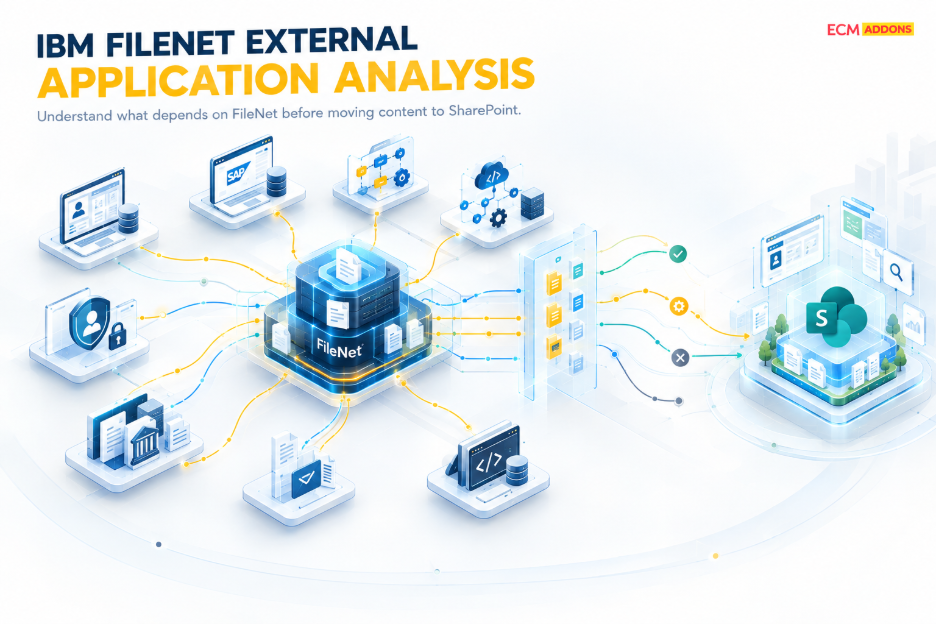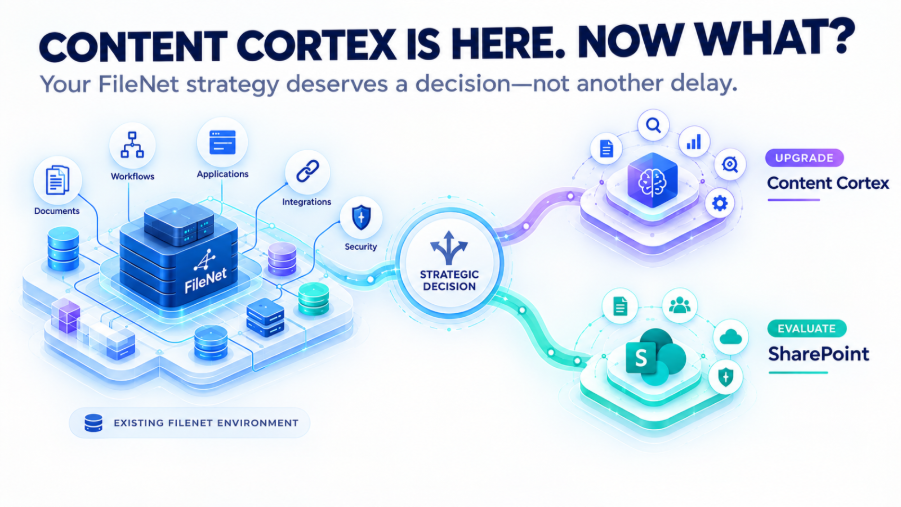
Moving enterprise content from IBM FileNet to Microsoft SharePoint is not simply a matter of transferring documents.
The most critical moment often comes at the end:
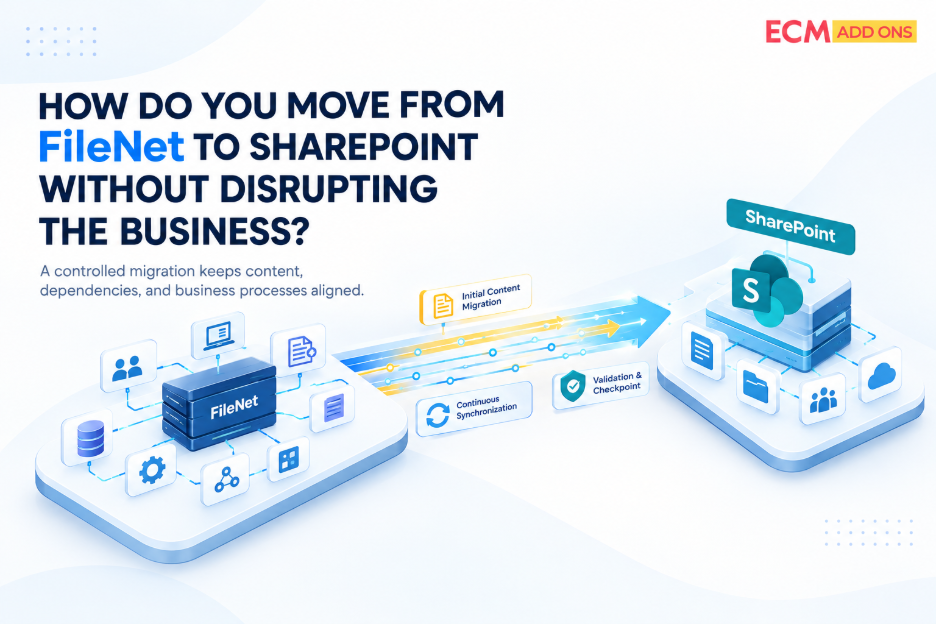
How do you transition from FileNet to SharePoint while the business is still operating?
Users may still be accessing documents. Business applications may still be creating or updating content. New documents may continue to arrive. Existing documents may continue to change. A migration strategy that does not account for these changes can create a gap between the migrated environment and the actual production state.
That is why cutover planning is one of the most important components of an enterprise FileNet to SharePoint migration.
Why Cutover Is the Highest-Risk Phase
The initial migration can run for weeks or months.
During that time, the business does not necessarily stop using FileNet.
Content continues to change.
For example:
Initial Migration
FileNet → SharePoint
↓
Business continues operating
New and modified content
↓
Final Cutover
FileNet → SharePoint transition
The challenge is ensuring that the content and changes created during the migration period are accounted for before users begin working from SharePoint. This is where a controlled cutover strategy becomes critical.
The Problem With a Big-Bang Cutover
A traditional approach may involve:
- Stop users from accessing FileNet
- Freeze content
- Perform the final migration
- Validate the target
- Switch users to SharePoint
This can work for certain environments.
But for large enterprise repositories, the freeze window can become difficult to manage. The larger the remaining migration volume, the longer the business may need to wait. And the longer the freeze period, the greater the potential operational impact. Organizations therefore need to reduce the amount of work that must happen during the final cutover window.
Delta Migration Reduces the Final Migration Window
Instead of migrating everything again at the end, a delta strategy can identify and process relevant changes that occurred after the initial migration.
Conceptually:
Initial Migration
Large content baseline
↓
Delta 1
Changes since initial migration
↓
Delta 2
Further changes
↓
Final Delta
Latest changes before cutover
↓
Validation & Reconciliation
↓
Controlled Cutover
This approach can significantly reduce the amount of content that needs to be processed during the final transition.
The objective is simple:
Keep the SharePoint environment progressively closer to the FileNet production state before the final cutover.
Cutover Is More Than the Final Data Transfer
A successful cutover involves more than moving the final documents.
Several activities may need to be coordinated.
Content
Complete the final migration and synchronization activities.
Metadata
Ensure relevant metadata changes have been processed.
Security
Validate that required access controls are in place.
Applications
Confirm that dependent business applications are ready for the transition.
Users
Ensure users know where and how they will access content.
Validation
Confirm that migration requirements have been met.
Reconciliation
Identify and resolve significant discrepancies.
Production Transition
Move business operations from FileNet to SharePoint.
A cutover plan should bring these activities together rather than treating them as separate events.
The Importance of a Cutover Readiness Check
Before switching production operations to SharePoint, organizations should have clear answers to questions such as:
Has the final delta been processed?
Are expected documents available?
Has metadata been validated?
Have security requirements been checked?
Have critical application dependencies been tested?
Have significant migration exceptions been addressed?
Has source-to-target reconciliation been completed?
Are users ready to work in SharePoint?
Is there a defined response plan if an issue occurs?
These questions create a measurable definition of cutover readiness.
Validation Before the Switch
The final migration should not be followed immediately by a production switch.
There should be a validation stage.
This can include:
- Content validation
- Metadata validation
- Security validation
- Application validation
- Exception review
- Source-to-target reconciliation
The goal is to establish evidence that the target environment is ready.
Cutover should be based on readiness-not simply on completion of a migration job.
What About Rollback?
Enterprise cutover planning should also consider what happens if a critical issue is discovered.
The appropriate rollback strategy depends on:
- Migration scope
- Business requirements
- Application dependencies
- Cutover architecture
- Validation results
- Operational constraints
A rollback plan does not mean expecting the migration to fail. It means ensuring that the organization has a defined response if a critical issue occurs.
Controlled migration requires controlled decision-making.
Post-Cutover Monitoring Matters
The migration does not necessarily end when users begin working in SharePoint. The early period after cutover can reveal issues that were not visible during testing.
Organizations may need to monitor:
- Application interactions
- User access
- Content availability
- Integration behavior
- Migration exceptions
- Performance
- Business process continuity
This allows teams to identify and address issues quickly while the new environment becomes operational.
How Automation Supports Controlled Cutover
At enterprise scale, manually coordinating every migration and validation activity is difficult.
Automation can help with:
- Migration processing
- Delta synchronization
- Status tracking
- Validation
- Reconciliation
- Exception identification
- Migration reporting
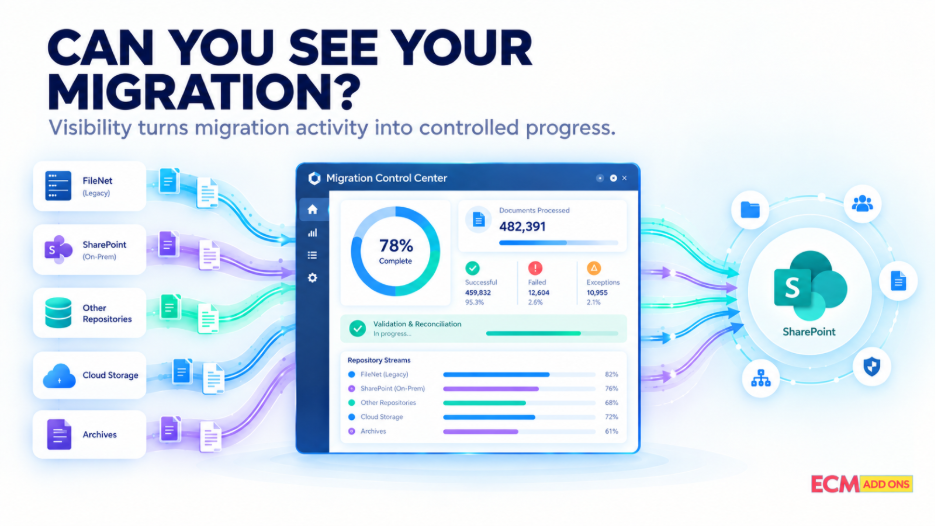
Centralized monitoring can also provide stakeholders with visibility into the migration lifecycle.
Instead of asking:
“Are we ready for cutover?”
the project team can use measurable migration and validation information to make that decision.
A Controlled Cutover Is the Result of Preparation
Cutover risk cannot be eliminated simply by having a good cutover plan. It is reduced by everything that happens before cutover.
That means:
Assessment
↓
Migration Planning
↓
Initial Migration
↓
Delta Synchronization
↓
Validation
↓
Reconciliation
↓
Cutover Readiness
↓
Controlled Cutover
↓
Post-Cutover Monitoring
The final transition is therefore not an isolated event. It is the outcome of a well-controlled migration lifecycle.
How ECM Addons Approaches FileNet to SharePoint Cutover
ECM Addons approaches cutover as part of the overall migration strategy rather than treating it as a final standalone activity.
Our approach can include:
Initial Migration
Establish the migration baseline in SharePoint.
Delta Synchronization
Process relevant changes occurring after the initial migration.
Centralized Monitoring
Provide visibility into migration progress, status, exceptions, and outstanding activities.
Validation & Reconciliation
Verify migration results against defined requirements.
Application & Security Readiness
Consider critical application dependencies and security requirements before production transition.
Controlled Cutover
Coordinate final synchronization, validation, and transition activities.
Post-Cutover Monitoring
Continue monitoring the environment as business operations transition to SharePoint.
The objective is to reduce the amount of uncertainty surrounding the most critical moment of the migration.
The goal is not simply to complete the migration. It is to make the transition to SharePoint controlled, measurable, and business-ready.
Try Before You Commit
Want to experience the migration process before committing to a full-scale project?
Try the Free Trial Migration Tool and explore how your FileNet content can be migrated as part of your journey toward SharePoint.
Planning an IBM FileNet to SharePoint Migration?
ECM Addons helps organizations approach IBM FileNet to SharePoint migration with a structured strategy covering automated migration, delta synchronization, centralized monitoring, validation, reconciliation, application readiness, and controlled cutover.
Frequently Asked Questions
What is cutover in an IBM FileNet to SharePoint migration?
Cutover is the controlled transition from the existing FileNet environment to the SharePoint environment where business users and applications begin operating against the target environment.
Why is FileNet to SharePoint cutover considered high risk?
During migration, the source environment may continue changing. Cutover needs to account for new and modified content, application dependencies, security, validation, reconciliation, and business readiness.
How does delta migration help with FileNet cutover?
Delta migration processes relevant changes that occurred after the initial migration, helping keep the SharePoint environment synchronized with the FileNet source and reducing the amount of work required during the final cutover.
Should FileNet be frozen before the final migration?
A freeze may be appropriate depending on the migration strategy and business requirements. A well-designed delta approach can reduce the volume of changes that need to be handled during the final transition.
How do you know when a FileNet migration is ready for cutover?
Cutover readiness should be based on defined criteria such as final migration status, delta completion, validation, reconciliation, security readiness, application testing, and resolution or acceptance of significant exceptions.
What happens to documents modified during the migration?
The migration strategy should identify and process relevant new or modified content through delta synchronization or another defined change-management mechanism before cutover.
Is validation performed before FileNet cutover?
Yes. Validation should confirm that the target environment meets defined content, metadata, security, application, and business requirements before production transition.
This gives project and business teams the visibility needed to evaluate whether the FileNet to SharePoint migration meets defined cutover criteria.