One of the Most Important Decisions Facing FileNet Organizations
Many organizations know their IBM FileNet environment needs attention.
Performance issues may be increasing.
Infrastructure costs may be rising.
Modernization initiatives may be gaining momentum.
Business users may be asking for better experiences and easier access to content.
At this stage, leadership teams often face a critical question:
Should we upgrade our existing FileNet environment or migrate to a new platform?
The answer is not always straightforward.
Both options can deliver significant value, but the right choice depends on business objectives, technical complexity, operational requirements, and long-term strategy.
Organizations that make the right decision position themselves for future growth.
Those that make the wrong decision often face years of unnecessary cost and complexity.
Understanding the Difference
Before comparing options, it is important to understand what each approach involves.
What Is a FileNet Upgrade?
A FileNet upgrade involves moving from an older version of IBM FileNet to a newer supported version while retaining the existing platform.
The goal is to improve:
- Platform supportability
- Security
- Performance
- Compatibility
- Access to new features
The organization continues using FileNet as its primary enterprise content management platform.
What Is a FileNet Migration?
A FileNet migration involves moving documents, metadata, security models, workflows, and business content from FileNet to another platform or architecture.
Organizations commonly migrate to:
- Microsoft SharePoint
- Cloud-based content platforms
- Modern document management systems
- Hybrid ECM architectures
Migration typically represents a broader transformation initiative rather than a technology refresh.
Why Organizations Consider Upgrading FileNet
For many organizations, FileNet continues to meet business requirements.
In these situations, upgrading may be the most practical option.
Reasons Organizations Upgrade
Preserve Existing Investments
Organizations may have invested heavily in:
- Custom applications
- Business workflows
- Integrations
- User training
An upgrade allows these investments to continue delivering value.
Maintain Business Continuity
Upgrades often involve less organizational change than migrations.
Users continue working within familiar processes and systems.
Improve Security and Supportability
Newer FileNet versions provide:
- Updated security features
- Enhanced compatibility
- Improved vendor support
- Better performance capabilities
Lower Project Complexity
Compared to migration initiatives, upgrades typically involve fewer business process changes and less content transformation.
Why Organizations Consider Migration
In some cases, upgrading no longer addresses the organization’s broader objectives.
Migration becomes a strategic decision rather than a technical one.
Reasons Organizations Migrate
Cloud Transformation Initiatives
Many organizations are pursuing cloud-first strategies.
Migration may provide greater alignment with long-term cloud objectives.
Reducing Platform Complexity
Years of customizations and integrations can create environments that are difficult and expensive to maintain.
Migration offers an opportunity to simplify.
Improving User Experience
Modern platforms often provide:
- Better collaboration capabilities
- Improved search experiences
- Mobile accessibility
- Easier content sharing
Cost Optimization
Organizations sometimes discover that maintaining legacy infrastructure and specialized expertise is becoming increasingly expensive.
Migration may reduce long-term operational costs.
Key Factors to Evaluate
The decision should never be based solely on technology preferences.
Organizations should evaluate several critical areas.
1. Business Objectives
Ask:
- What are we trying to achieve?
- Is the goal stability or transformation?
- Are we planning broader digital initiatives?
If the objective is operational stability, upgrading may be sufficient.
If the objective is business transformation, migration may be the better choice.
2. Customization Complexity
Highly customized environments require careful evaluation.
Consider:
- Custom applications
- Third-party integrations
- Workflow dependencies
- Security configurations
The greater the complexity, the more important a detailed assessment becomes.
3. Cost of Ownership
Many organizations focus on project costs.
A better approach is evaluating total cost of ownership over three to five years.
Include:
- Infrastructure
- Licensing
- Support
- Administration
- Upgrade cycles
- Future modernization requirements
4. User Impact
Every technology decision affects people.
Evaluate:
- Training requirements
- Change management efforts
- Process redesign needs
- Productivity impacts
The most successful projects balance technical goals with user adoption.
5. Future Roadmap
Technology decisions should support future business objectives.
Questions to consider:
- Will FileNet remain strategic?
- Is cloud adoption planned?
- Are modernization initiatives expected?
- Will future acquisitions require platform consolidation?
The answers often clarify the best path forward.
When an Upgrade Is Usually the Better Choice
Organizations often benefit from upgrading when:
✓ FileNet continues meeting business requirements
✓ Existing integrations remain valuable
✓ User satisfaction is generally high
✓ Modernization goals can be achieved within FileNet
✓ The platform remains part of the long-term strategy
When Migration Is Usually the Better Choice
Organizations often benefit from migration when:
✓ Cloud transformation is a priority
✓ Operational costs continue increasing
✓ Legacy complexity limits agility
✓ Modernization requires significant architectural change
✓ Leadership seeks greater flexibility and scalability
Common Mistakes Organizations Make
Treating Migration as a Technical Project
Migration affects people, processes, governance, compliance, and business operations.
It is not simply a content transfer exercise.
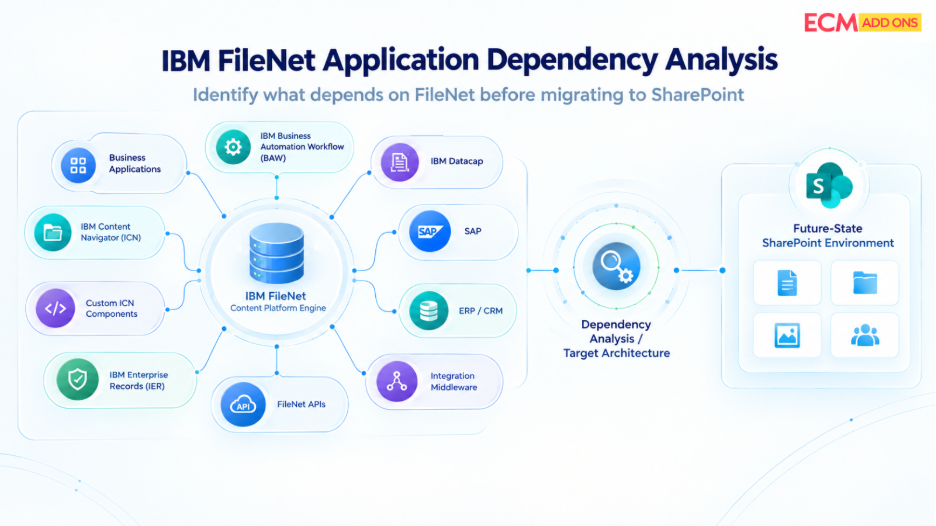
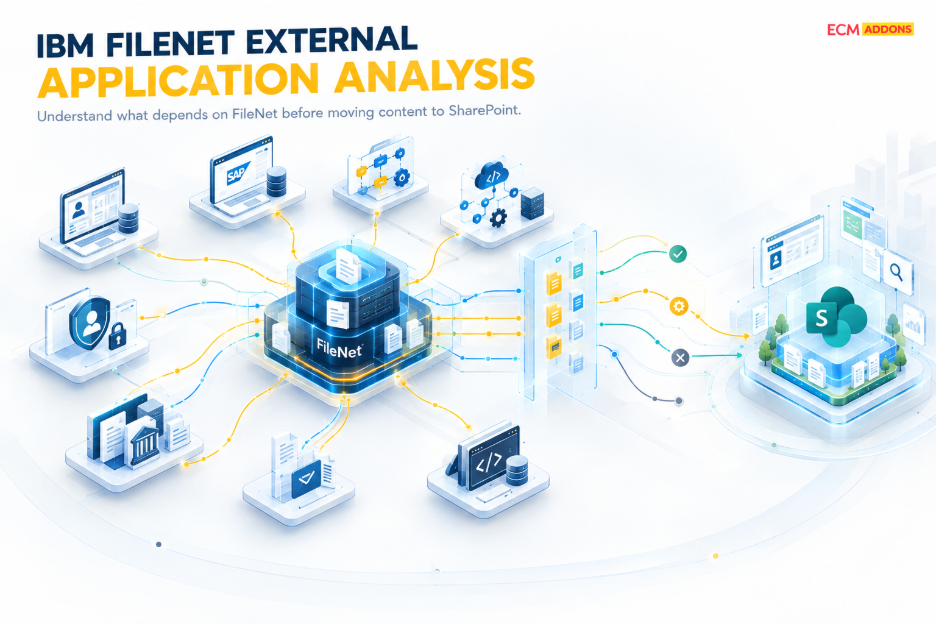
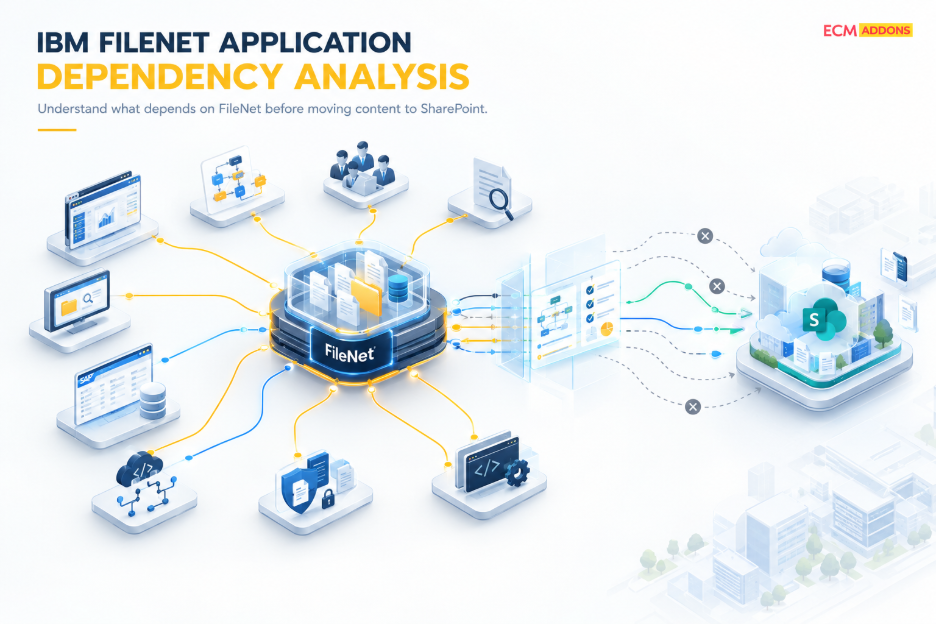
Ignoring Hidden Dependencies
Undocumented integrations and workflows frequently create project risks.
Comprehensive assessments are essential.
Focusing Only on Short-Term Costs
The least expensive option today is not always the most cost-effective option over the next five years.
Delaying Decisions Too Long
Organizations sometimes postpone upgrades or migrations until risks become urgent.
This often increases complexity and project costs.
Frequently Asked Questions
Is upgrading FileNet cheaper than migration?
Generally, yes. However, long-term costs depend on infrastructure, support requirements, licensing, and future business objectives.
Can organizations upgrade now and migrate later?
Yes. Many organizations upgrade first to stabilize operations before pursuing broader modernization initiatives.
How long does a FileNet migration take?
Migration timelines vary significantly depending on repository size, metadata complexity, integrations, workflows, and compliance requirements.
What is the first step before deciding?
A comprehensive FileNet assessment should evaluate technical architecture, operational maturity, business objectives, dependencies, and future requirements.
Final Thoughts
There is no universal answer to the FileNet upgrade versus migration debate.
The right decision depends on where the organization is today and where it wants to be tomorrow.
For some organizations, upgrading FileNet provides the stability and supportability needed for the next phase of growth.
For others, migration unlocks the flexibility, scalability, and modernization capabilities required for future success.
The key is making the decision based on business outcomes—not assumptions.
A structured assessment can help organizations understand risks, costs, dependencies, and opportunities before committing to either path.
Because the goal is not simply choosing a technology strategy.
The goal is choosing the strategy that best supports the future of the business.
Ready to Decide Between Upgrade and Migration?
If your organization is evaluating IBM FileNet upgrade versus migration, the best next step is a structured assessment of your current environment, business goals, and long-term roadmap.
Our team can help you:
- Evaluate your current FileNet architecture
- Identify hidden dependencies and risks
- Compare upgrade and migration scenarios
- Estimate cost, effort, and business impact
- Build a practical modernization roadmap
Contact us today to schedule a FileNet assessment and determine the right strategy for your organization in 2026.