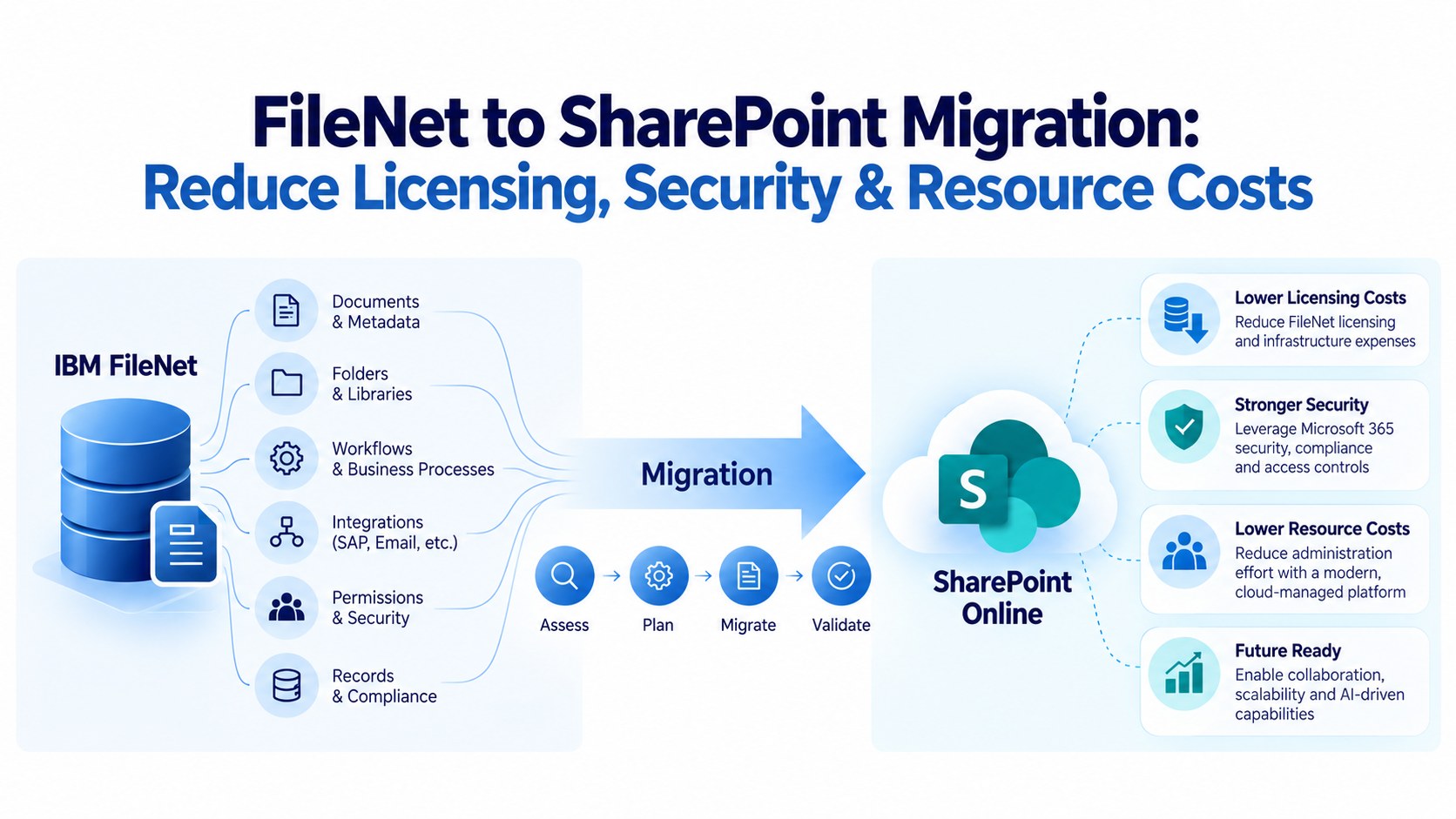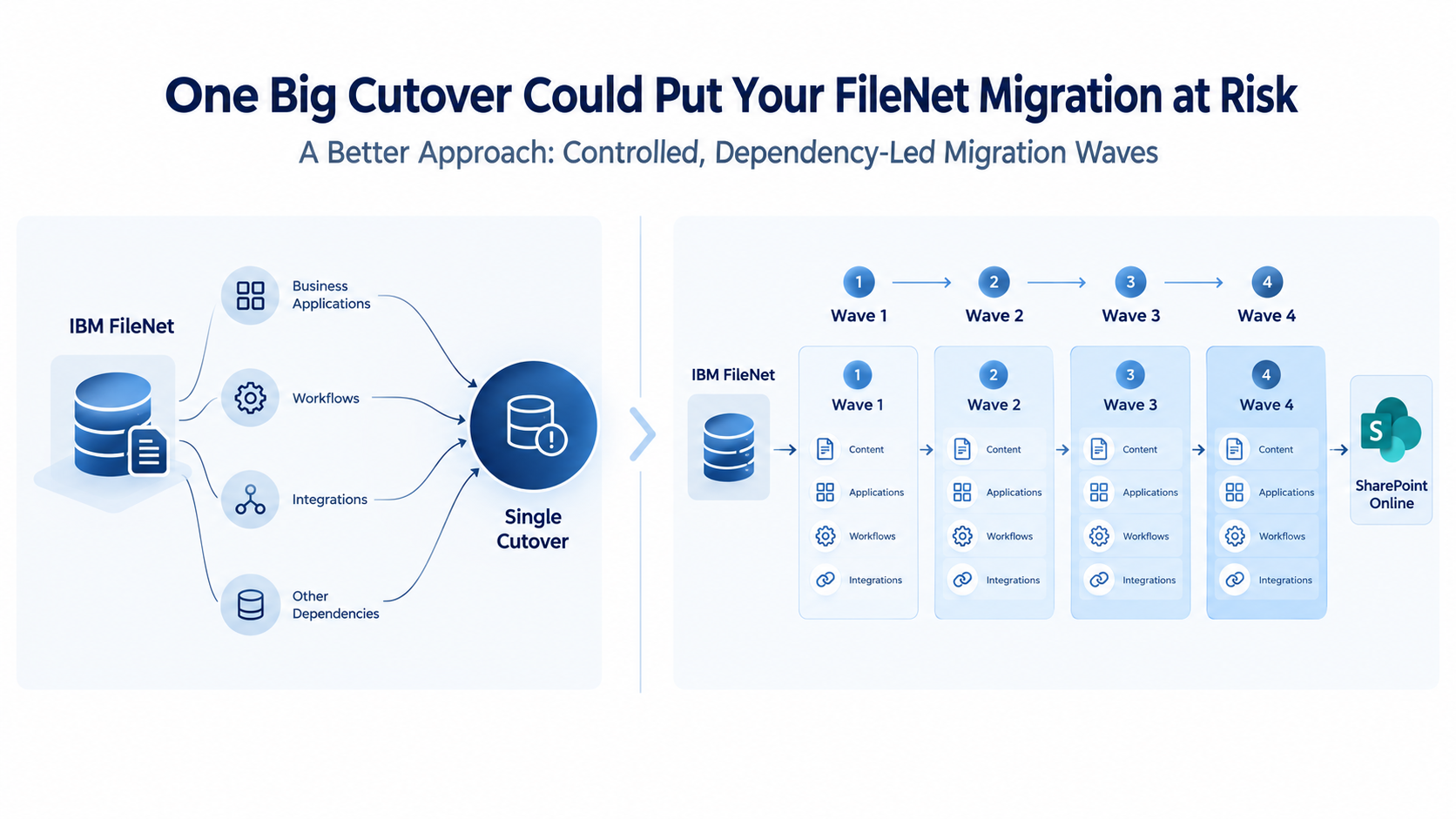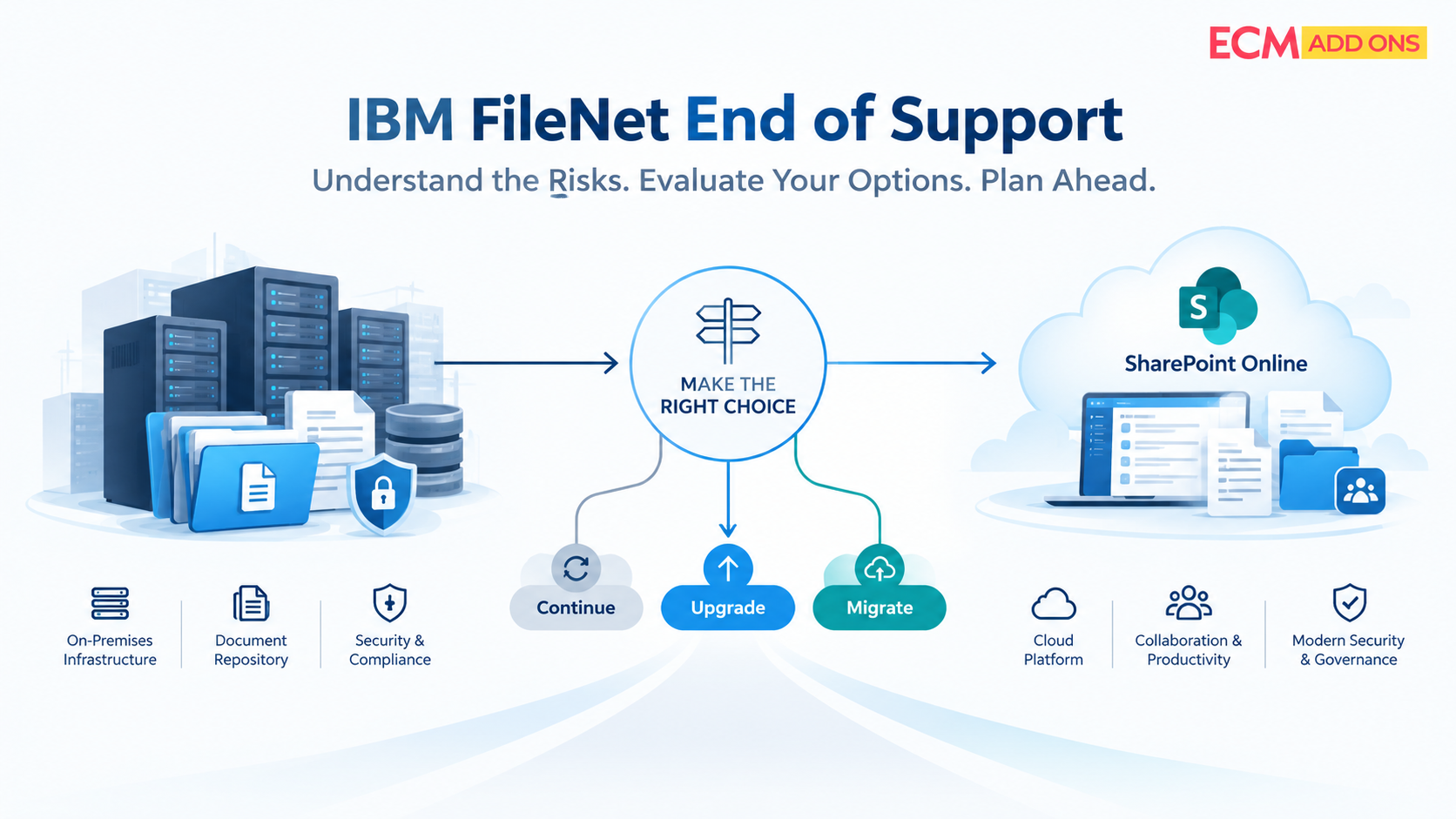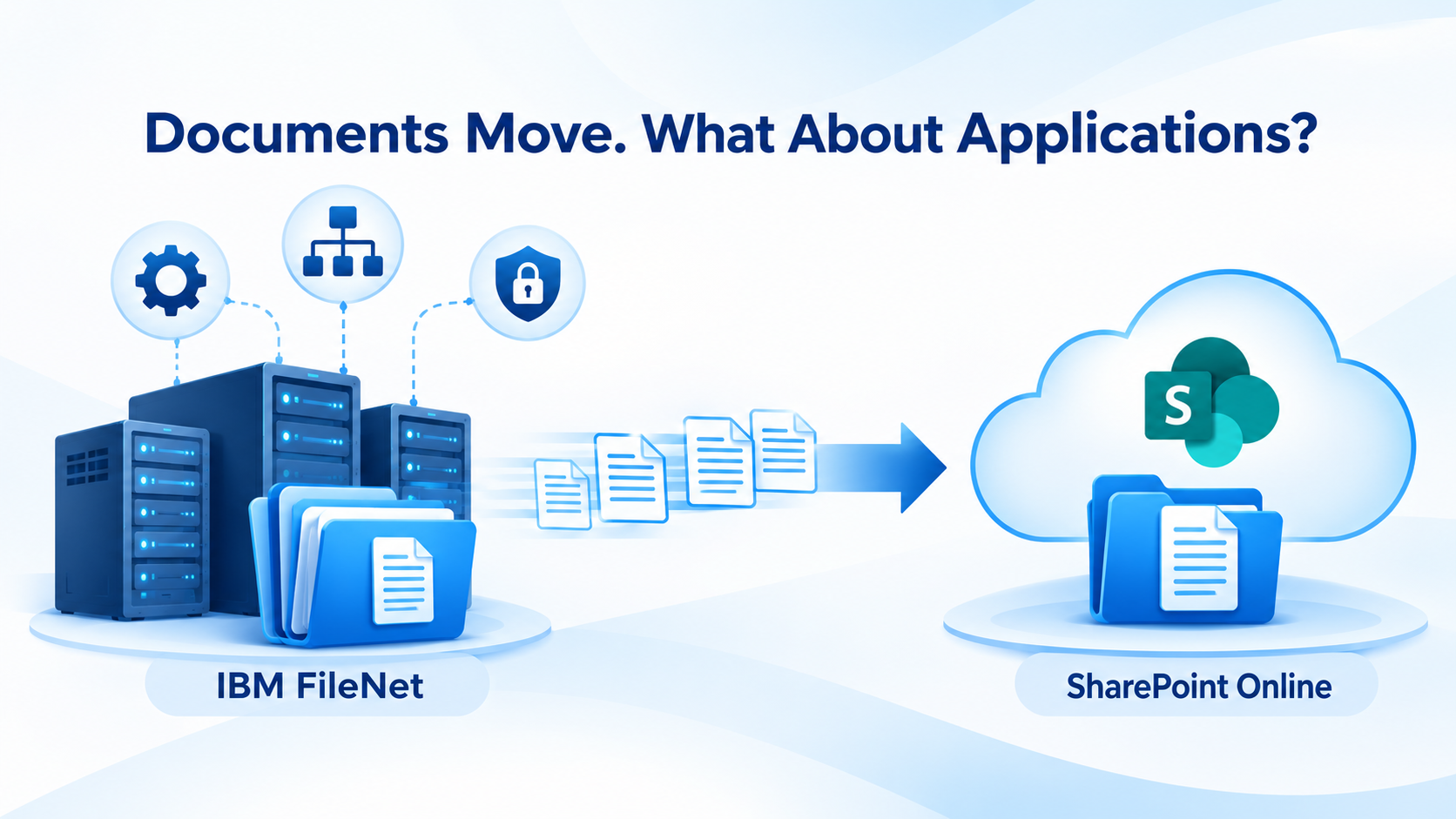
Migrating enterprise content from IBM FileNet to SharePoint Online requires more than transferring documents. Learn how to identify application dependencies, map legacy capabilities to suitable alternatives, and plan a cost-conscious migration without rebuilding everything from scratch.
An enterprise can successfully migrate millions of documents from IBM FileNet to SharePoint Online and still face a critical problem: the applications and workflows that depend on those documents may continue to rely on FileNet-specific capabilities.
A document can be migrated. An application can be modified or replaced. A workflow can be redesigned or reimplemented. But none of these activities happens automatically as part of a document transfer.
For CIOs, CTOs, enterprise architects, and IT leaders, this distinction has direct implications for migration cost, business continuity, technical complexity, and target-environment readiness.
The objective is not simply to move documents from one repository to another. It is to establish how those documents will be accessed, processed, secured, and used by business applications after the transition.
ECM Addons specializes in IBM FileNet and Microsoft SharePoint, helping enterprises assess these dependencies, identify appropriate target capabilities, and plan migration approaches aligned with their technical requirements and budgets.
Why FileNet Document Migration Does Not Guarantee Application Readiness
Consider an enterprise application that retrieves customer records, contracts, or operational documents from a FileNet repository.
The documents are migrated to SharePoint Online, but the application continues to use FileNet APIs, services, or repository references to locate and retrieve them. Although the content has reached its destination, the application has not automatically learned how to access it there.
The same problem can arise when a business process relies on FileNet workflows to route documents for review, trigger approvals, assign tasks, or coordinate activities across enterprise systems.
Moving the associated documents does not transfer the process logic that governs how they are used.
This creates a gap between content migration and business capability transition.
Resolving that gap requires identifying the applications and workflows that depend on FileNet, understanding the capabilities they use, and determining how those capabilities will be delivered through SharePoint Online or other appropriate systems.
Without this planning, organizations risk unexpected application modifications, integration rework, additional testing, and delays after document migration has already started.
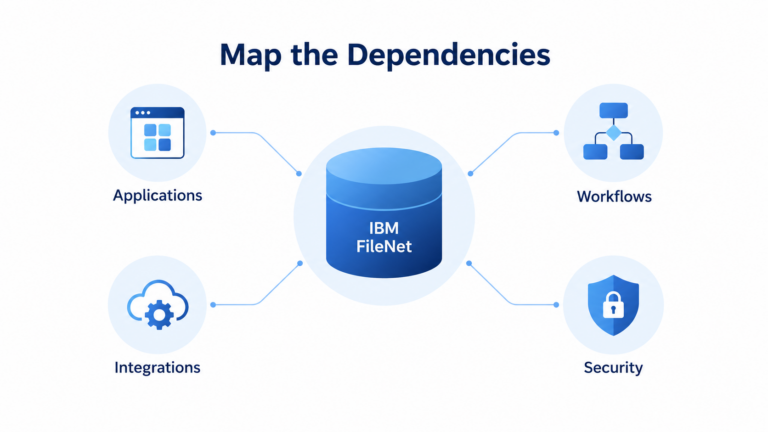
Which FileNet Components Must Be Assessed Before Migration?
The first step is to understand how the existing FileNet environment supports business operations.
An assessment should identify the relevant components, customizations, interfaces, and dependencies-not merely establish how much content exists.
Depending on the implementation, the assessment may need to cover the following components.
FileNet component | What needs to be assessed |
IBM Content Navigator (ICN) | Customizations, plugins, specialized user interfaces, and document interaction capabilities |
Teamspaces | Collaborative content experiences, organizational structures, and associated access requirements |
FileNet workflows and Process Engine | Routing, task assignments, business rules, exception handling, and process execution |
Case Manager | Case-oriented applications, activities, and related business processes, where deployed |
IBM Datacap | Document capture, classification, extraction, and associated processing integrations |
APIs and custom extensions | Application interfaces, custom services, event actions, subscriptions, and FileNet-dependent functionality |
Enterprise integrations | Connections with SAP, ERP, CRM, scanning platforms, and other business applications |
Security and access controls | Permissions, roles, groups, and application identities governing content access |
IBM Enterprise Records | Records declaration, retention, disposition, and related records management processes, where deployed |
Not every FileNet environment contains all these components, and their roles can differ significantly between implementations.
The assessment must establish which components are actually deployed, what business capabilities they deliver, which applications use them, and what needs to change in the target environment.
ECM Addons Free FileNet Analyzer can support the initial understanding of the existing FileNet environment. Application-level dependency analysis and target-state planning can then determine how the identified capabilities should be addressed during migration.
FileNet Components May Need SharePoint Equivalents, Not Like-for-Like Replacements
One of the most important decisions in a FileNet-to-SharePoint migration is determining how existing capabilities will be delivered after the transition.
FileNet and SharePoint Online use different architectural models and implementation approaches. A FileNet component should therefore not automatically be treated as something that can be copied directly into SharePoint.
Instead, the migration team should examine the business function performed by each component and identify the most appropriate way to support that function in the target environment.
For example:
- A FileNet customization that provides document access to a business application may require SharePoint integration, application modification, or a custom solution.
- A collaborative Teamspaces use case may require an appropriate SharePoint site and collaboration design.
- A FileNet workflow may need to be reimplemented using Power Automate, another suitable process capability, or a different workflow platform.
- A specialized application interface may require modification or replacement if its existing implementation depends on FileNet-specific services.
The appropriate solution depends on the actual business requirements, technical dependencies, and complexity of the existing implementation.
A practical component-mapping exercise should establish four things:
Existing capability: What does the FileNet component do, and which users or applications depend on it?
This approach helps avoid two costly extremes: attempting to recreate every legacy component exactly as it exists today, or assuming that all FileNet functionality must be custom-built from the ground up.
Target approach: Can SharePoint Online or an appropriate Microsoft 365 capability deliver the required function? If not, what alternative is suitable?
Implementation requirements: What configuration, development, integration, security changes, or process redesign will be needed?
Validation criteria: How will the team prove that the required business capability works in the target environment?
What About IBM Enterprise Records and Records Management?
If IBM Enterprise Records supports records declaration, retention, disposition, or related governance processes in the existing environment, these requirements must be assessed separately.
Moving documents to SharePoint Online does not, by itself, transfer the associated records management policies, controls, or operational processes.
The target architecture should determine how these requirements can be implemented using appropriate SharePoint Online and Microsoft Purview capabilities, where suitable. The design must account for required functionality, configuration, licensing, and applicable compliance obligations rather than assume a direct, one-to-one replacement for IBM Enterprise Records.
The objective is to map required capabilities to appropriate target solutions, using native SharePoint Online functionality where suitable and alternative implementations where necessary.
How Should FileNet-Dependent Applications Be Handled?
Enterprise applications often have established ways of creating, retrieving, updating, and processing documents in FileNet.
These interactions may be embedded in application code, integration services, APIs, scheduled processes, or user interfaces. When the documents move to SharePoint Online, the relevant application dependencies must also be addressed.
For each application, the migration team should determine whether it will continue operating with modifications, integrate with SharePoint through an appropriate interface, be replaced, or be retired.
This involves more than changing a repository location. The application may need to support the target authentication and authorization model, use appropriate APIs, work with the new information architecture, and account for changes in document access or processing.
The assessment should answer several questions:
- Which business functions depend on the application?
- How does it currently access FileNet content?
- Which FileNet-specific interfaces or services does it use?
- How should it locate, retrieve, create, or update content in SharePoint?
- Does it depend on workflows or custom components that must also change?
- What testing is necessary to validate end-to-end behavior?
Some applications may require relatively limited changes. Others may have deeper dependencies that need architectural redesign.
Understanding these differences early enables enterprises to estimate the work more accurately, prioritize critical applications, and avoid discovering major integration requirements after migration execution has started.
FileNet Workflows Will Not Automatically Become SharePoint Workflows
Workflow migration deserves its own workstream because a workflow represents more than the documents associated with a business process.
A FileNet workflow may include document submission, review, approval, exception handling, task assignment, notifications, business rules, and interactions with other systems.
Moving the documents does not transfer the workflow’s logic, state, assignments, or behavior into SharePoint Online.
The organization must determine how each required business process will operate after migration.
Depending on the use case, the target approach may involve Power Automate, SharePoint capabilities, an existing enterprise application, custom development, or another workflow platform. Not every process should necessarily be recreated in the same way.
For example, a straightforward approval process may be suitable for an appropriate Microsoft 365 workflow capability. A complex process involving extensive business rules, multiple enterprise systems, specialized exception handling, and long-running case activities may require a different design.
For each workflow, the migration assessment should identify the business process it supports, the documents and applications involved, the rules and assignments that must be retained, the most appropriate target implementation, and the testing required for business acceptance.
This is also an opportunity to reduce unnecessary complexity. A legacy workflow should not automatically be rebuilt in its original form if the business process has changed or a more suitable implementation is available.
The objective is to preserve the required business process-not necessarily the original FileNet implementation.
Security and Access Must Be Designed for SharePoint Online
FileNet security models and SharePoint Online permission structures are not identical. Migration therefore requires a deliberate approach to translating access requirements into the target architecture.
The objective is to preserve required business access while using SharePoint and Microsoft 365 security capabilities appropriately.
This involves identifying who needs access to the content, how that access is granted, which applications require access, and what restrictions apply to particular business functions or information.
Depending on the organization’s requirements, the target design may involve Microsoft Entra ID groups, SharePoint permissions, Microsoft 365 governance controls, and other applicable security capabilities.
The team should also evaluate whether historical permission structures remain necessary or whether they can be simplified without compromising business, security, or compliance obligations.
Where appropriate, the new design can improve manageability through clearer ownership, more maintainable permission structures, and governance aligned with the future operating model.
Security validation must include both user access and application behavior. It is not enough to confirm that a user can open a document if the business application that relies on it can no longer retrieve or process it as required.
How to Keep a FileNet-to-SharePoint Migration Cost-Effective
Application and workflow dependencies can add complexity to an already substantial migration program. However, ignoring them often shifts the work into later stages, when remediation can be more disruptive and expensive.
A cost-conscious approach distinguishes between capabilities that can be supported through appropriate existing platform functionality and those that genuinely require redesign or custom implementation.
Where SharePoint Online or Microsoft 365 provides a suitable capability, using it may avoid unnecessary custom development. Where a FileNet component has no suitable direct equivalent, the team can evaluate alternative approaches rather than automatically rebuilding the original component.
This requires expertise in both the source and target platforms.
Understanding FileNet helps establish what the existing system actually does. Understanding SharePoint helps identify where native capabilities, configuration, integration, or targeted development can address the requirement.
A practical strategy should prioritize:
- Reusing suitable SharePoint and Microsoft 365 capabilities.
- Avoiding unnecessary one-to-one recreation of legacy components.
- Identifying complex application and workflow dependencies early.
- Planning integration changes before production cutover.
- Validating representative workloads before scaling the migration.
- Estimating implementation and testing effort based on actual dependencies.
ECM Addons specializes in IBM FileNet and SharePoint, helping enterprises evaluate these choices with the objective of reducing avoidable rework and keeping the migration aligned with business and budget requirements.
Cost effectiveness does not mean choosing the least expensive implementation regardless of risk. It means selecting an appropriate solution for each dependency and avoiding unnecessary engineering effort.
Move the Content Without Leaving Business Dependencies Behind
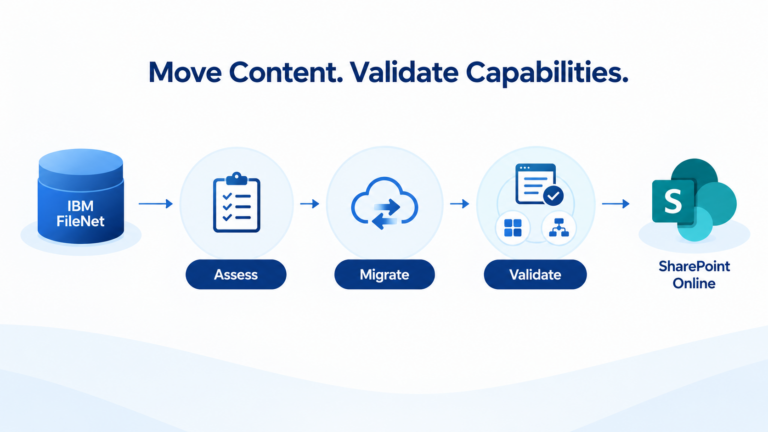
IBM FileNet-to-SharePoint migration is not simply about transferring documents into a new repository. The documents must be accessible to the right users and applications. The workflows that process them must have an appropriate future implementation. Integrations must be adapted to the target environment. Security and governance must be designed for SharePoint Online. And the capabilities that the business relies on must be validated before the relevant workloads transition.
That is why an approach grounded in both FileNet and SharePoint expertise matters. ECM Addons helps enterprises assess existing FileNet environments, identify application and workflow dependencies, map suitable capabilities to SharePoint Online or alternative implementations, and plan cost-conscious transitions around their business requirements.
The objective is not to reproduce every legacy component. It is to establish the right target capabilities and migrate with a clear understanding of what must change